
Game development
Based on the makers’ specs and my own testing where I say so.
How to make a game in Unity
A Unity 6 beginner path from Hub install to a playable loop. Written from Unity 6 C# work on Tingbase, not from a copied 2022 tutorial.
Updated 7 min readYuval Eizik
- unity
- tingbase
- beginners
On this page
- What you are making
- 1. Install Unity Hub and Unity 6
- 2. Create a Universal 3D project
- 3. Learn the four windows, then leave the rest alone
- 4. Build the room
- 5. Turn on the Input System
- 6. Write one script for the verb
- 7. Make the collectible count
- 8. End the try when you fall
- 9. Build a player you can send
- What not to add next
- How this relates to Tingbase
Want to make your first game in Unity? Good news: you can have something playable sooner than you think. I write C# in Unity 6 every week. Tingbase is the current project. Studio Stigma used the same engine for the P2M VR simulation. This is the path I’d give a friend who asked me how to start. It’s shorter than a 10-hour course and uses current Unity, not old 2022 tutorials.
Unity versions move fast, so check the live download page before you install.
If you are still picking an engine, start with best game engines for beginners and Unity vs Unreal Engine. If you already know you want Unity, stay here.
What you are making
Write one sentence before you open the Hub. Who does the verb, where, and how a try ends. That is scope. A first game is one loop: one action, a visible result, and a reason to try again.
You’ll build a 3D cube you drive into a collectible on a plane. Fall off the plane and the try ends. That is enough. It is not Tingbase. Tingbase started from a smaller question too: what does one ability exchange feel like? The classes came later.
Do not start an RPG, a live-service shooter, or a second platform. Those are later lists.
1. Install Unity Hub and Unity 6
Download Unity Hub. The Hub is how Unity wants you to install editors and create projects.
In the Hub, install a Unity 6 editor. For a new project I would take Unity 6.3 LTS. Unity’s Unity 6 page says 6.3 LTS has two-year support through December 2027, with a third year for Enterprise and Industry. Unity 6.0 LTS is supported through October 2026. I would not start on 6.0 this late.
Unity Personal is free under $200,000 USD of trailing-twelve-month revenue and funding. You own what you make. The splash screen is optional on current Personal. Closed consoles (Nintendo, PlayStation, Xbox) need Pro or a Preferred Platform key. Steam does not.
Unity’s current system requirements recommend 8 GB RAM for the Editor. More complex projects need more.
If you want Unity’s own guided start after this, they publish an in-Editor Get Started tutorial (Hub Learning tab, Unity 6.1+) and the Unity Essentials pathway. Those are official. Here’s the shorter path I recommend.
2. Create a Universal 3D project
In the Hub: Projects → New project. Pick a Unity 6 editor. Choose the Universal 3D template. Name the folder something dull (FirstLoop is fine). Create the project.
Unity’s URP docs say Universal 2D and Universal 3D install and configure URP for you. Universal 3D is the empty 3D URP project. Do not pick HDRP for a first game. URP and HDRP are not something you swap later for fun. Pick URP and stay there.
A 2D first game is the same method with Universal 2D. I am using 3D here because a plane and a cube need no art.
Wait for the Editor to finish importing. Do not click around in Library while it works.
3. Learn the four windows, then leave the rest alone
You need four panels on day one:
- Hierarchy. What is in the open scene.
- Scene. The 3D view you move with the mouse.
- Inspector. The selected object’s components and numbers.
- Project. Files on disk under
Assets.
A new empty scene usually has a Main Camera and a Directional Light. Leave them. You will add a plane and a cube.
Play mode is the test. The Play button is not “save.” Changes you make while Play is on vanish when you stop, unless you copied them out. I still get caught by that. Stop Play, then change the number.
4. Build the room
Right-click in the Hierarchy → 3D Object → Plane. In the Inspector, set Position to 0, 0, 0. Scale 2, 1, 2 if you want more floor.
Right-click → 3D Object → Cube. Name it Player. Position 0, 0.5, 0 so it sits on the plane.
Right-click → 3D Object → Sphere. Name it Pickup. Position 3, 0.5, 0. In the Inspector, check Is Trigger on the Sphere Collider.
Select the Main Camera. Move it so you can see the cube and the sphere in Game view. A starting point that works: Position 0, 6, -8, Rotation 40, 0, 0. Tune until Game view is readable. Do not add a third-person camera rig yet.
File → Save As. Save the scene under Assets/Scenes/FirstLoop.unity.
5. Turn on the Input System
Unity 6.1 and later include the Input System package in some templates. Having the package in the project does not switch runtime input by itself.
Check Edit → Project Settings → Player → Active Input Handling. Set it to Input System Package (New) or Both. The Editor may restart.
If Input System is missing: Window → Package Manager → Unity Registry → Input System → Install. Accept the prompt to enable the new backend.
I play left-handed, so my own movement keys sit on the right (UHJK, not WASD). For this first cube, WASD is fine. Change the keys after the cube moves. A control scheme is a later page.
6. Write one script for the verb
In the Project window, create Assets/Scripts. Right-click → Create → MonoBehaviour Script. Name it PlayerMove.
Open the script. Replace the template with this. It is the Input System keyboard API, not Input.GetAxis.
using UnityEngine;
using UnityEngine.InputSystem;

public class PlayerMove : MonoBehaviour
{
    public float speed = 6f;

    void Update()
    {
        var keyboard = Keyboard.current;
        if (keyboard == null)
        {
            return;
        }

        var move = Vector3.zero;
        if (keyboard.wKey.isPressed) move.z += 1f;
        if (keyboard.sKey.isPressed) move.z -= 1f;
        if (keyboard.dKey.isPressed) move.x += 1f;
        if (keyboard.aKey.isPressed) move.x -= 1f;

        transform.Translate(move.normalized * speed * Time.deltaTime);
    }
}
Drag PlayerMove onto the Player cube. Press Play. The cube should move. If it does not, read the Console. A compile error means Play is lying about the new code.
This is the whole Unity and Cursor loop if you edit in Cursor: change one script, click back into Unity, read the Console, press Play, test the one thing. I do not let an assistant rewrite .unity YAML or .meta files.
7. Make the collectible count
Create PickupScore.cs and put it on the Player (the object that moves into the trigger).
using UnityEngine;

public class PickupScore : MonoBehaviour
{
    int score;

    void OnTriggerEnter(Collider other)
    {
        if (!other.CompareTag("Pickup"))
        {
            return;
        }

        score += 1;
        Debug.Log($"Score {score}");
        Destroy(other.gameObject);
    }
}
Select the Pickup sphere. At the top of the Inspector, add a tag named Pickup if it is not there, then assign it.
Press Play. Drive into the sphere. The Console should print Score 1 and the sphere should disappear. That is a visible result. A number only in a spreadsheet is not enough.
Duplicate the sphere (Ctrl+D / Cmd+D) two times and slide the copies along the plane. The reason to try again is another pickup.
8. End the try when you fall
Create FallReset.cs on the Player.
using UnityEngine;
using UnityEngine.SceneManagement;

public class FallReset : MonoBehaviour
{
    public float killY = -4f;

    void Update()
    {
        if (transform.position.y < killY)
        {
            SceneManager.LoadScene(SceneManager.GetActiveScene().buildIndex);
        }
    }
}
File → Build Settings and make sure this scene is in the list (Add Open Scenes). Fall off the plane. The scene should reload. That is a fail state.
A first game also needs a way to quit. Application.Quit() does nothing useful in the Editor. It works in a built player. For now, Escape can stop your own testing habit: you already have the Editor.
9. Build a player you can send
When the loop works in Play mode, make a Windows (or macOS) build.
- File → Build Settings.
- Add the open scene if it is missing.
- Platform: Windows, Mac, Linux. Switch Platform if you have to.
- Build. Pick an empty folder outside the project.
Run the .exe / app. If the cube still moves and the fall still resets, you have a game you can show a friend. That’s your first finished game. Steam comes later.
What not to add next
- A second scene that is “the real game.”
- An inventory.
- Online accounts.
- A store page before a stranger can finish one try.
- AI that rewrites the scene file. The AI tools I actually use sit next to Play, not in place of it.
If you want the official longer course after this, Unity’s 3D beginner Roll-a-Ball and 2D Sprite Flight are the current Learn games I would point at. They are Unity’s, not mine.
How this relates to Tingbase
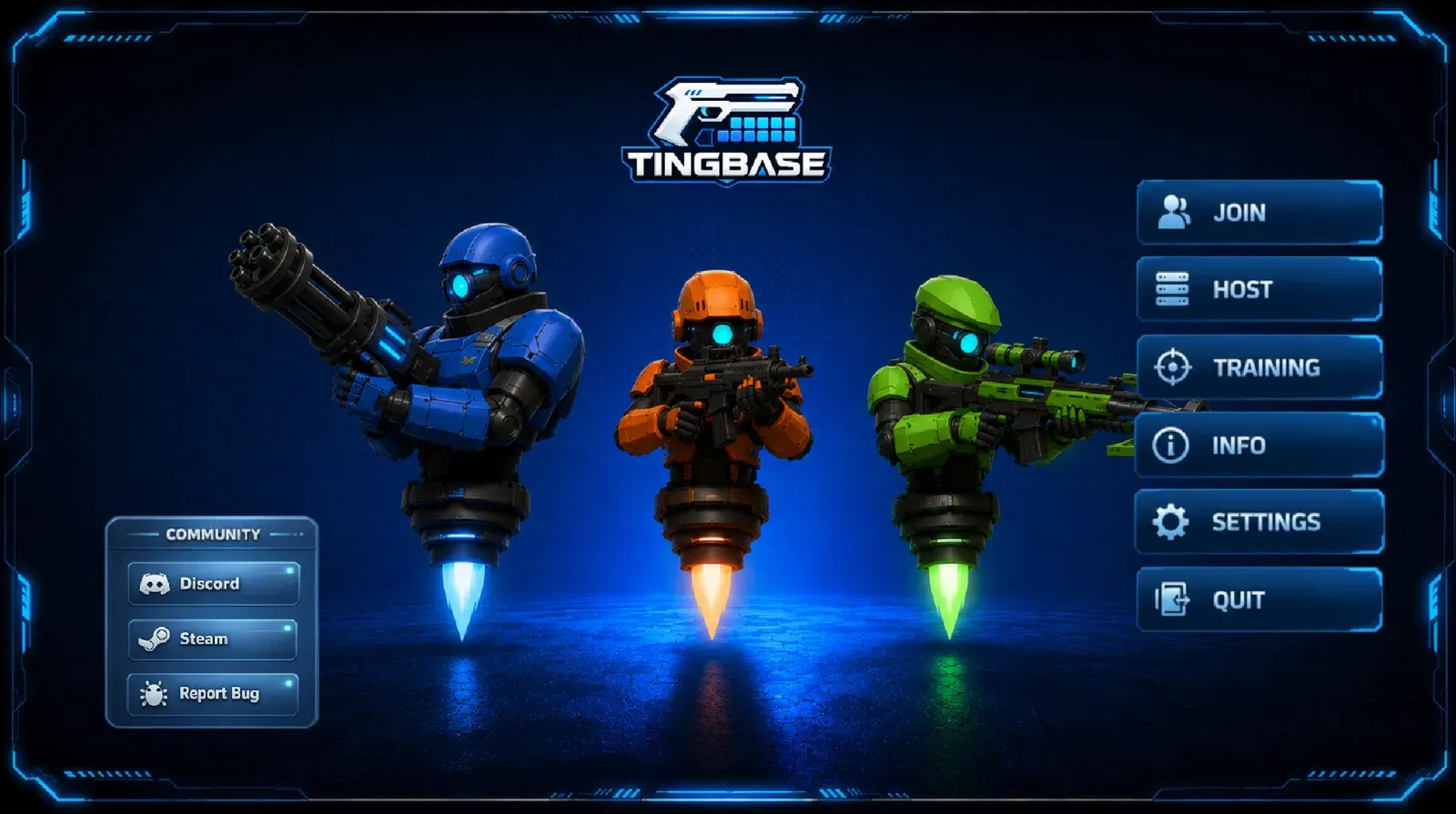
Tingbase is a 3v3 hero shooter. It still sits on the same habits: one named behaviour, a Play-mode test, a cut list. I build it in Unity 6 C#. The coming-soon page is on Steam if you want the launch email.
The first week is not a store page. It is a cube that moves and a reason to try again.
Related: Game development, Mini Games Arena, projects.
Common questions
Which Unity version should a beginner use in 2026?
Install Unity 6.3 LTS through the Unity Hub. It's the current long-term support version, supported through December 2027. Avoid starting new projects on older versions like 2022.3.
Is Unity free to make a game?
Yes. Unity Personal is free if you earn less than $200,000 a year, and you own everything you make. You only need Unity Pro or a console partner license to publish on closed consoles.
Do I need to know C# before learning Unity?
Just the basics. Variables, if statements and methods are enough to build your first game. Unity Learn's Create with Code course is a great way to learn C# and Unity together.
Should I use Unity's old Input Manager or the new Input System?
Use the new Input System. To turn it on, go to Edit, Project Settings, Player, and set Active Input Handling to Input System Package (New) or Both.
How long does it take to make your first game in Unity?
A very small game can take a weekend: one main action, a way to lose, and a way to quit. Bigger ideas like an RPG can take months, so keep your first project tiny.
Can I sell a Unity Personal game on Steam?
Yes. You can publish on Steam with Unity Personal as long as you stay under the $200,000 revenue limit. Focus on making the game fun first, then set up the Steam page.
Keep reading
Game development
Best game engines for beginners
Unity, Godot, Unreal or GameMaker? Which engine to pick for your first game, from someone shipping in Unity 6.
October 20, 2026 · 7 min read
Game development
Best AI tools for game development
A ranked, category-by-category list of AI tools I actually use or would pay for in a Unity 6 project: Cursor, Copilot, art, 3D, audio, animation.
October 20, 2026 · 8 min read
Game development
Unity vs Unreal Engine
Unity or Unreal? Here's which one fits your first game, your PC and your budget.
October 20, 2026 · 10 min read
Game development
Indie game marketing on Steam
How Steam wishlists, Coming Soon pages, demos and Next Fest actually work, from a dev with a live Coming Soon page.
October 20, 2026 · 8 min read