
Monitors
Gaming monitors
Thinking about a new monitor? Start with the best gaming monitor picks, figure out whether 1440p at 240 Hz or 4K suits your PC, and see whether OLED is worth it for you.
20 articles
The best refresh rate is the one your PC can keep up with. A 240 Hz screen on a PC that makes 80 frames still shows about 80, so check your FPS before you pay for more Hertz.
How to pick a gaming monitor
1
Refresh rate your GPU already holds
144 Hz is the usual floor for competitive play. I play Overwatch on a 1080p 240 Hz screen and everything else on 1440p 155 Hz. Confirm the rate in Windows after you plug the display in. The 144 Hz page is the setting walkthrough.
2
Resolution is a pixel-and-frame trade
27-inch 1440p is the usual mid-to-high PC answer. About 24–25 inches for 1080p if you sit close. About 32 inches for 4K. I have not moved my main play to 4K because those pixels cost frames.
3
Panel type after size and Hertz
IPS has better viewing angles, VA has deeper blacks. OLED is the contrast and motion upgrade, with a burn-in policy you have to live with. Mini-LED is local dimming, not OLED. A curved or ultrawide screen depends on your desk and games. Neither makes you aim better.
4
VRR, HDR, and motion features last
Turn variable refresh on after resolution and Hertz are settled. HDR is a brightness and tone-map feature, not a synonym for “good panel.” Motion-blur reduction and response-time labels need their own pages because the sticker is not the whole story.
Monitor guides by topic
Best place to start
Resolution and refresh
Panel types and shape
Lag, VRR, HDR, motion
Tools and related pages
- PPI calculator — Pixels per inch from resolution and diagonal.
- Frame-time calculator — ms per frame from FPS.
- Input-lag budget
- FOV converter
- How to cap FPS
- What a 1% low is
- PC builds
Common questions
What refresh rate monitor should I buy?
Buy a refresh rate your PC can actually reach. 144 Hz is the usual minimum for competitive games, and 240 Hz is great if your GPU can push those frames. A 240 Hz monitor on a PC that only makes 80 FPS still shows about 80.
Is 4K worth it for gaming?
It is for single-player games if your PC already handles 1440p easily and your desk fits a 32-inch screen. For competitive games, 1440p is usually better because 4K costs a lot of frames.
Do I need G-SYNC or FreeSync?
You need some form of variable refresh rate that works with your graphics card. Most monitors support it without a special module. Turn it on once you've picked your resolution and refresh rate.
What monitors do you use?
I play on a 1080p 240 Hz and a 1440p 155 Hz monitor powered by an RTX 5080. The buyer's guide lists 27-inch 1440p 240 Hz monitors worth considering.
All monitors articles
Gear
What a 1440p 240 Hz monitor is for
A 1440p 240 Hz monitor is 2560 by 1440 and can start up to 240 pictures a second, usually at 27 inches.
October 20, 2026 · 9 min read
Gear
What a 360 Hz gaming monitor shows
A 360 Hz monitor can start a picture about every 2.8 milliseconds. That is about 1.4 milliseconds after 240. You see it only while the counter sits near 360.
October 20, 2026 · 10 min read
Gear
What an FPS monitor has to match
An FPS monitor is the Hertz the PC can fill, at a size that fits your desk, with a pixel that can finish and VRR that can follow.
October 20, 2026 · 10 min read
Gear
What a Mini-LED gaming monitor is doing
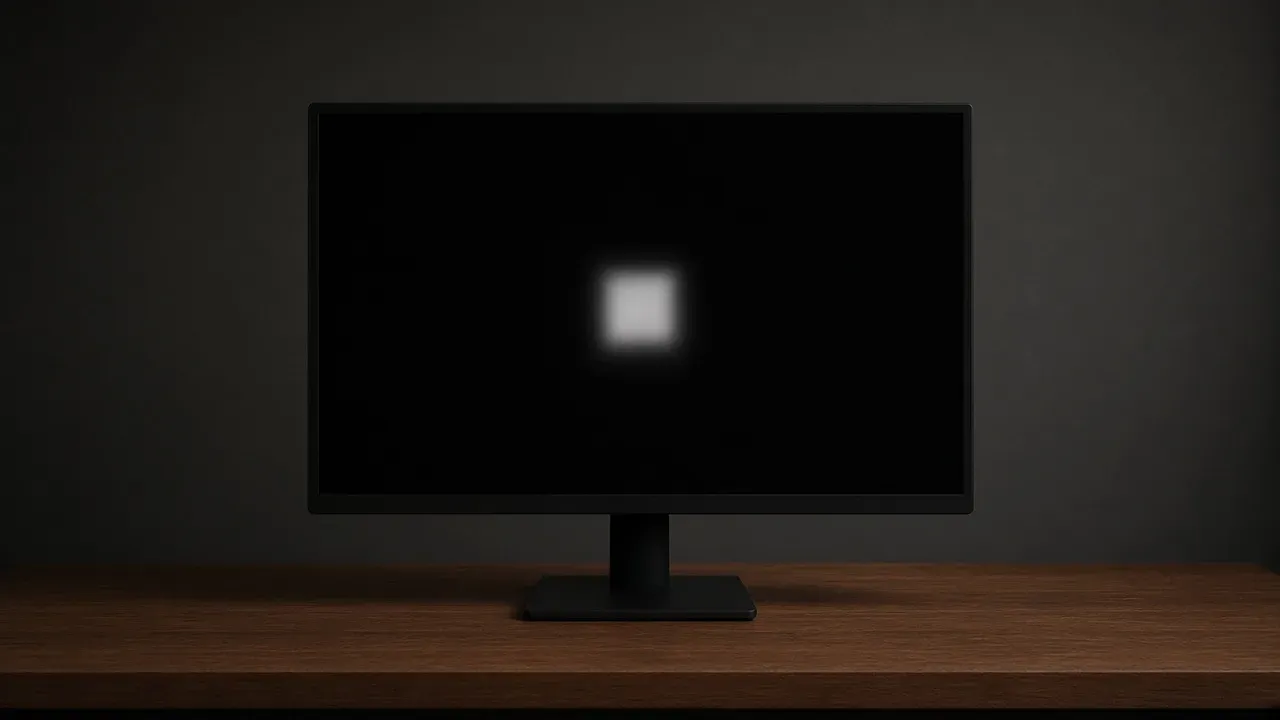
A Mini-LED gaming monitor is still an LCD. The backlight is split into zones that are larger than a pixel, so a small bright mark on black can wear a halo.
October 20, 2026 · 10 min read
Gear
What monitor input lag is
Monitor input lag is the wait after the PC has sent a frame, before the panel begins the picture. The 1 ms on the box is a pixel change.
October 20, 2026 · 10 min read
Gear
What an OLED gaming monitor is
An OLED gaming monitor turns each pixel's own light off. Resolution, size, and refresh still come first.
October 20, 2026 · 10 min read
Gear
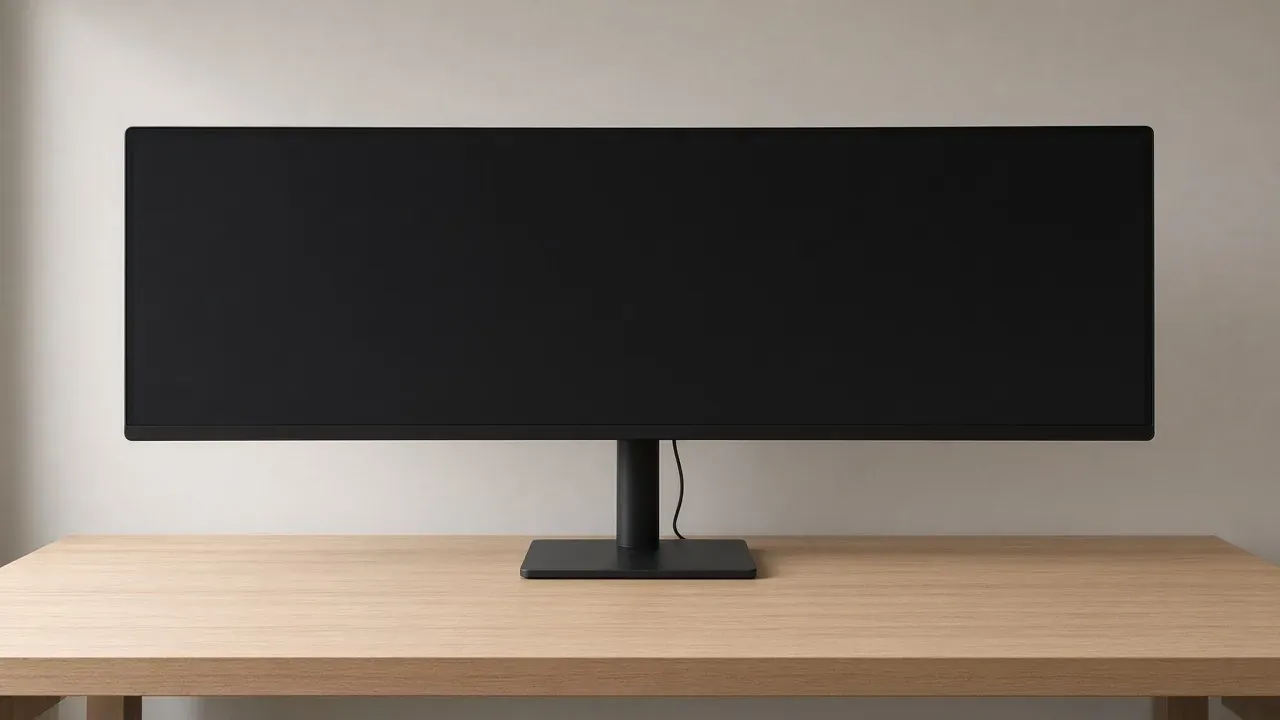
What an ultrawide gaming monitor has to be
An ultrawide gaming monitor is a wider glass, usually 21:9 at 3440 by 1440. Official SKUs print that pair, or 32:9 at 5120 by 1440. I play 16:9.
October 20, 2026 · 8 min read
Gear
When a 4K gaming monitor is worth it
A 4K gaming monitor is worth it when the PC already holds its refresh at 1440p and the desk fits about 32 inches.
October 19, 2026 · 9 min read
Gear
Best gaming monitor (2026): the resolution, refresh, and panels I would actually buy
A 2026 gaming-monitor guide with named 27-inch 1440p panels, official LG specs and prices, and advice on picking the right refresh rate.
October 19, 2026 · 6 min read
Gear
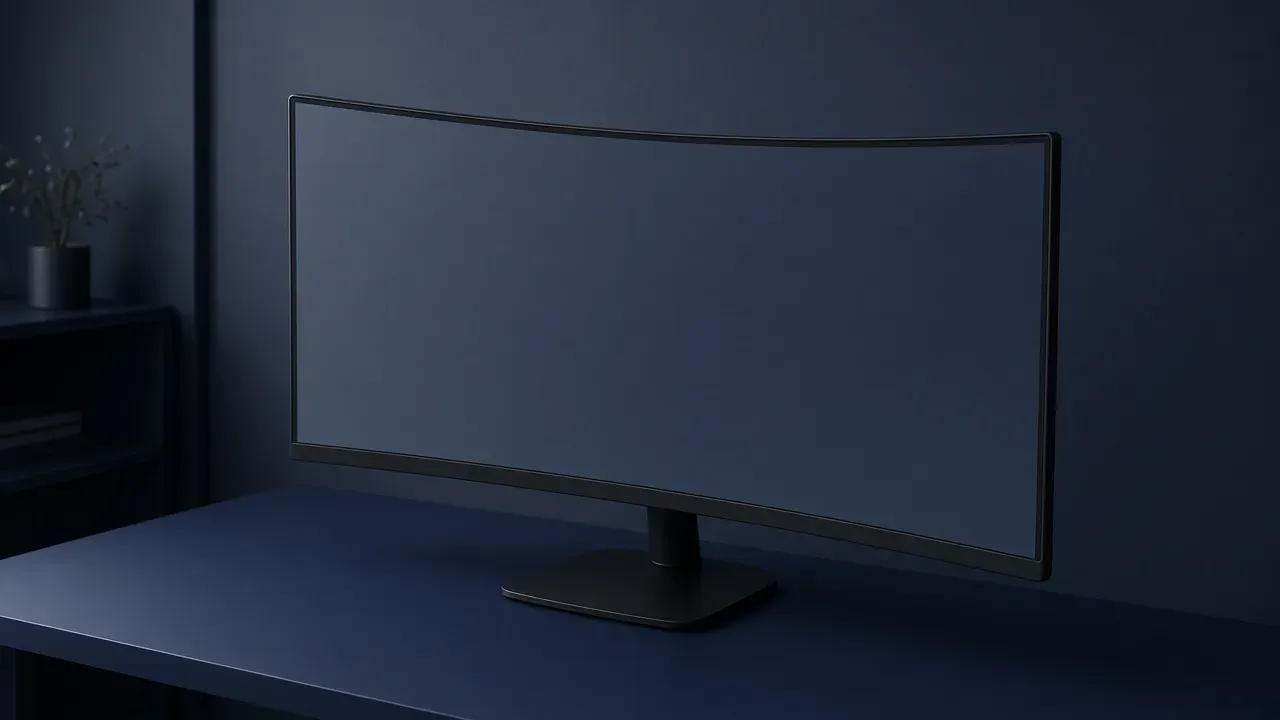
When a curved gaming monitor helps
A curved gaming monitor helps on a wide screen you sit close to. The R number is the tightness of the bend.
October 19, 2026 · 6 min read
Gear
IPS vs VA for gaming
IPS holds color when you sit off center. VA blocks more of the backlight, so dark scenes go darker.
October 19, 2026 · 11 min read
Gear
How to set a monitor to 144 Hz
Windows leaves many 144 Hz monitors at 60 until you pick 144 on that screen. Microsoft's asterisk means that rate is not available at this resolution.
October 19, 2026 · 10 min read
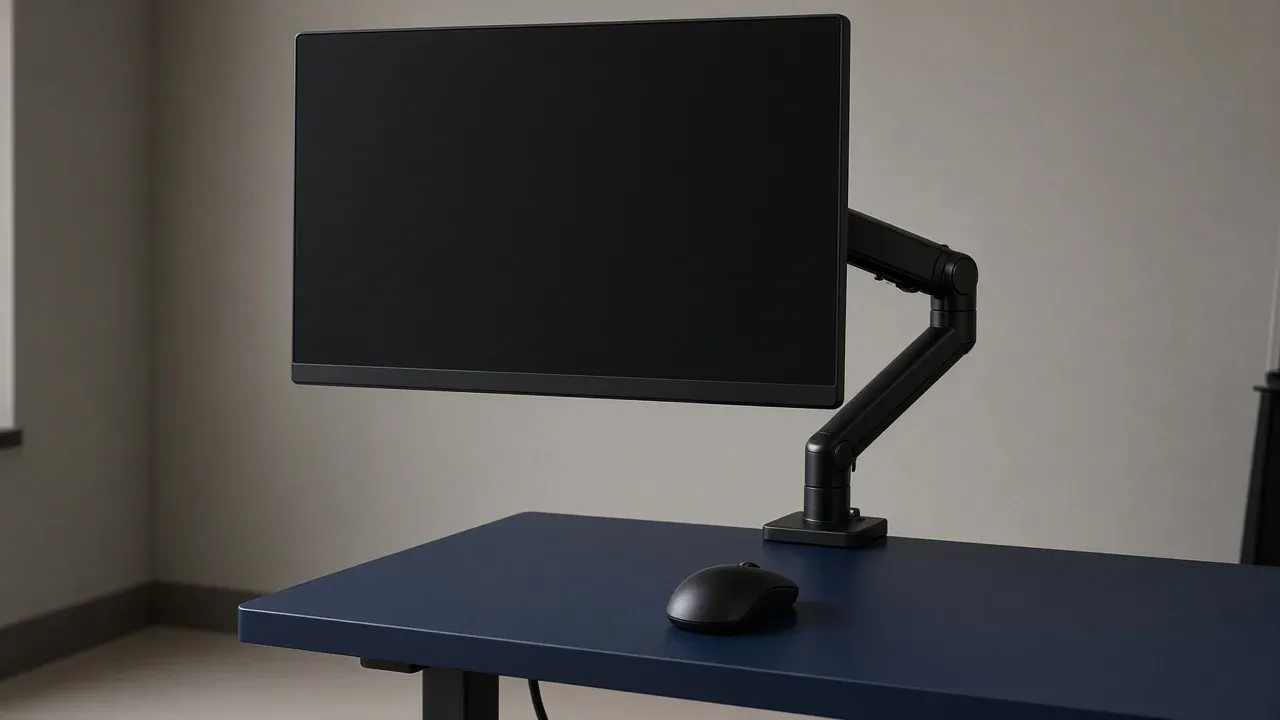
Gear
Monitor arm (2026): Ergotron LX specs, VESA 75/100, and when the stand is enough
Do you need a monitor arm? When it's worth it, what to check (weight, VESA, desk), and the arm I'd buy.
October 19, 2026 · 4 min read
Gear
How big a monitor for a desk
Match the diagonal to an arm’s length and to the width the desktop can hold. OSHA prints 20–40 inches. Dell prints 20–28 inches.
October 19, 2026 · 11 min read
Gear
What HDR is on a monitor
HDR is a wider span from dark to bright, plus a signal that says how bright each part should be. A logo means the monitor accepts that signal.
October 19, 2026 · 10 min read
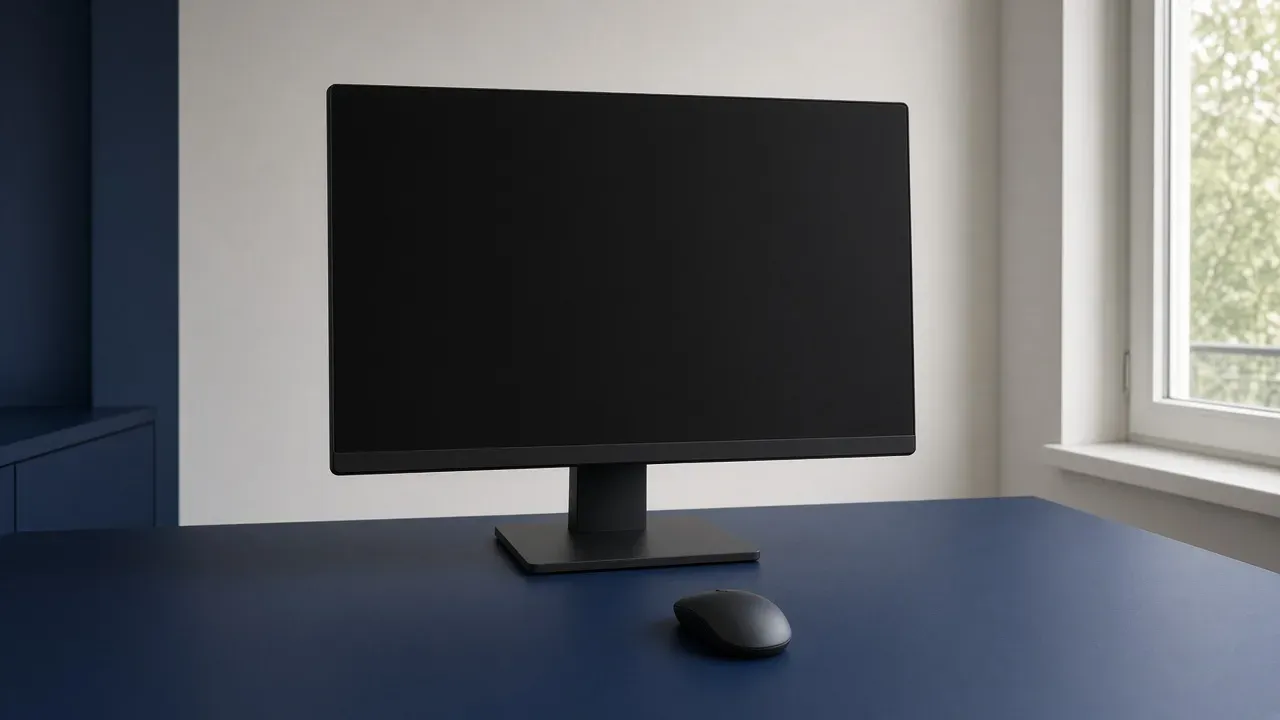
Gear
How to keep a monitor from reflecting the room
Seeing your room in your monitor? How to kill reflections: move the light, fix the angle, or pick a matte screen.
October 19, 2026 · 10 min read
Gear
What monitor response time is
Response time is how long a pixel takes to change shade, in milliseconds. The number on the box is one lab transition.
October 19, 2026 · 9 min read
Gear
What motion blur reduction is
Motion blur reduction flashes the backlight so each picture is lit for less of the frame. It does not make the pixel change faster.
October 19, 2026 · 10 min read
Gear
Ultrawide vs 16:9 for games
Ultrawide shows more of the game world, but only if the game supports it. I play on two 16:9 monitors, a 1080p 240 Hz and a 1440p 155 Hz.
October 19, 2026 · 10 min read
Gear
What VRR and G-Sync are
What VRR, G-Sync and FreeSync actually do, how to turn them on, and the FPS cap that keeps them working.
October 19, 2026 · 10 min read