Hardware
When a curved gaming monitor helps
A curved gaming monitor helps on a wide screen you sit close to. The R number is the tightness of the bend. It does not add pixels, refresh rate, or a faster picture.
Updated 4 min readYuval Eizik
- pc
- monitor
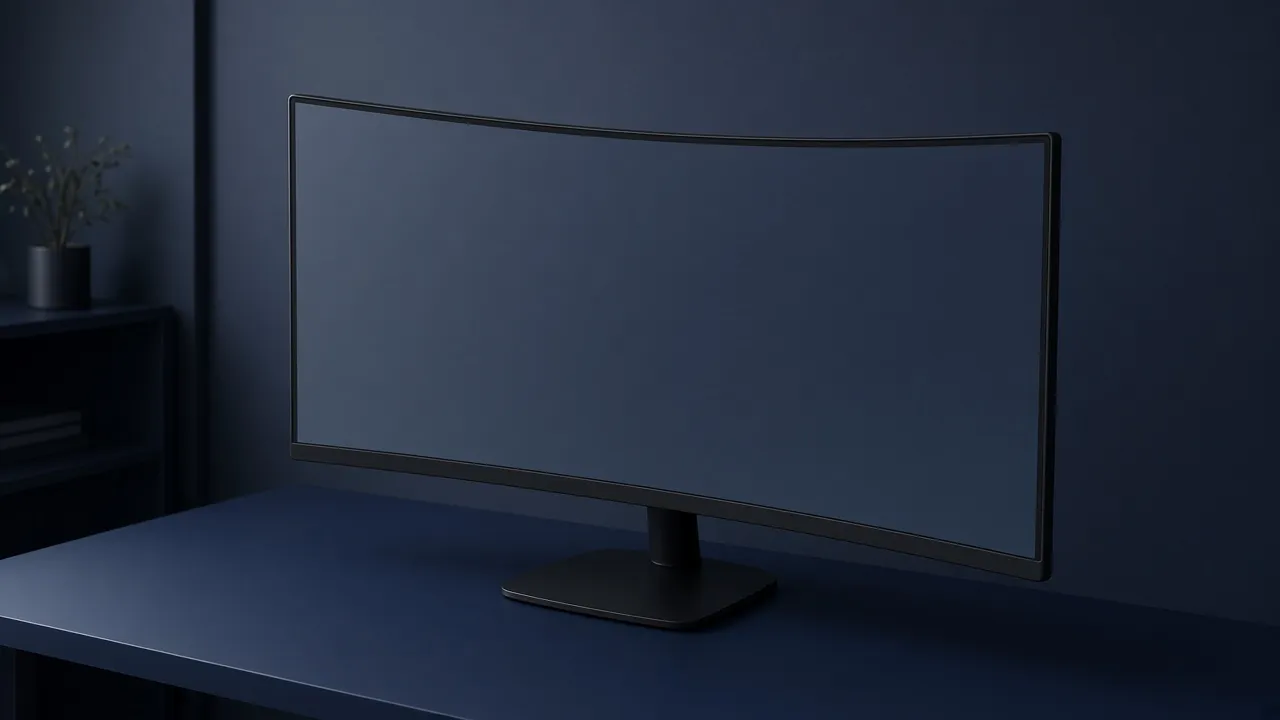
A curved gaming monitor is a panel that bends across its width. The bend can pull the far edges of a wide screen a little closer to a close seat, so those edges are less of a side glance. It does not add pixels, it does not raise the refresh rate, and it does not make the PC finish frames sooner. Resolution is the other decision. This page is only the shape.
The number on the box is a radius in millimeters. 1000R, 1500R, and 1800R are the ratings you will actually see. A lower number is a tighter bend. 1000R is the curve of a smaller circle. 1800R is gentler. If you sit far back from a tight curve, the picture looks bowed instead of wrapped. If you sit close to a gentle curve, you may not notice it at all.
Pick the bend from the width
The R number is how tightly the panel bends. A lower number is a tighter curve. It does not add pixels or frames.
- Shape
- Flat
- Why
- The edges are not far enough to need a bend.
At 27 inches and 16:9, buy the resolution and the refresh rate. A curve will not change either one.
The result is a filter for the listing, not a model. Two panels with the same R number can still differ in size, resolution, and refresh rate. Match those first. Then decide whether the bend is doing any work.
An ultrawide is where a curve earns itself. The left and right edges sit well off to the side. On a flat panel you look at them at an angle. A 1000R or 1500R bend, used from a close seat, turns that angle into something nearer a straight look. Sit farther back and the tightest bend is the wrong one. Step to 1500R or 1800R, or the edges feel like they lean in past you.
A 32-inch 16:9 screen is wide enough for a gentle curve if you play story games up close. It will not wrap the way an ultrawide does. If two listings are otherwise the same, the curve is a preference you should see in person, not a specification that wins on paper.
A 27-inch 16:9 screen does not need the bend. The corners are already close. A curve there is a style choice. It will not make 1080p into 1440p, and it will not make 60 Hz into 144 Hz. Buy the pixel count and the refresh rate you can actually reach.
What the bend does to a desktop
Games hide a mild bow inside motion and scenery. A desktop does not. Window edges, a spreadsheet, a ruler, and a line of code can look slightly curved, and a tighter R makes that easier to see. If this monitor is also where you work, choose flat. The return window is the right test: open a full-width window and look at the top edge. If it bothers you on day one, it will not become straight later.
A competitive HUD has the same problem in a smaller way. Maps, health bars, and a crosshair are drawn as if the glass were flat. A 1000R panel can make that furniture feel bent. That is not input lag. The picture is not later. It is shaped. Players who want the flattest read should stay flat, or stop at a gentler curve. Players who already like a curve in a story game can keep it. Taste is allowed here. A ranking is not.
Two monitors side by side are a poor place for a strong curve. The inner edges meet at a kink, and the stands fight for the same desk. A flat pair lines up. One curved ultrawide is a different desk from two flat screens, not a cheaper version of them.
What the listing has to say
Ignore the word immersive until the page states these:
- The radius, as 1000R, 1500R, 1800R, or flat. “Curved” with no number is an unknown bend.
- The size and the aspect. 16:9 and ultrawide are different widths. A curve does not turn one into the other.
- The resolution and the refresh rate at that resolution. The bend does not change the rules from the 4K page: a high rate at 4K still needs HDMI 2.1 or DisplayPort 1.4 on the port you use.
- The panel type, named. IPS and VA both exist as curved panels. The type changes contrast and viewing angle. It is not a synonym for the radius.
- Height adjustment on the stand, or room for an arm. A curve does not fix a screen that sits too low. Eye line is still the desk problem.
Sit where you will actually sit before you judge the sample in a shop. A 1000R panel looked at from across a showroom is the wrong distance. Up close, the same panel can make sense. Far away, it looks like a mistake.
If you cannot see the curve when you are in your chair, you did not buy a feature. You bought a shape. Spend the difference on the resolution, the refresh rate, or leave the monitor you already have at the right height.
Common questions
Is a curved gaming monitor better?
It is better on an ultrawide you sit close to, because the edges are far to the side and a bend pulls them toward you. On a 27-inch 16:9 screen the edges are not far enough, and a flat panel is the simpler buy. A curve does not add sharpness or frames.
What does 1000R, 1500R, and 1800R mean?
The number is the radius of the curve in millimeters. 1000R would complete a tighter circle than 1800R, so 1000R bends more. A lower number is meant for a closer seat. Sitting far back from a 1000R panel makes the picture look bowed.
Are curved monitors good for competitive games?
They are not faster. Input lag does not change because the glass bends. A tight curve can make a flat HUD and a flat map feel slightly bent. Prefer flat, or a gentler 1500R, unless you have already used a curve and liked it.
Do curved monitors distort straight lines?
A little. Windows, rulers, and lines of text can look bowed, more so on a tighter curve. If the screen is also where you work, buy flat. The effect is easiest to judge in person, in the return window.
Should a 27-inch monitor be curved?
Usually no. At that size and a normal 16:9 shape, the corners are close enough that a flat panel already faces you. Spend the money on resolution and refresh rate instead.
Does a curved monitor have to be ultrawide?
No. 16:9 panels come curved too, and a gentle bend on a 32-inch screen is a real product. The bend matters more as the screen gets wider. Ultrawide versus 16:9 is a separate choice from the curve.
Keep reading
Hardware
When a 4K gaming monitor is worth it
A 4K gaming monitor is worth it when the PC already holds its refresh rate and the desk fits about 32 inches. Competitive games usually belong at 1440p.
October 19, 2026 · 5 min read
Hardware
Where a budget gaming PC should spend its money
A budget gaming PC should spend most of its money on a named graphics card for the resolution you play. A glass case and a huge processor do not add frames.
October 19, 2026 · 4 min read
Hardware
What the best gaming keyboard actually is
The best gaming keyboard is the layout your desk can hold and the switch your fingers accept. A 2026 chart names whatever is in stock. Extra money buys one feature you can point to.
October 19, 2026 · 4 min read