
Setup
My Setup
The gear I use for competitive gaming and development.
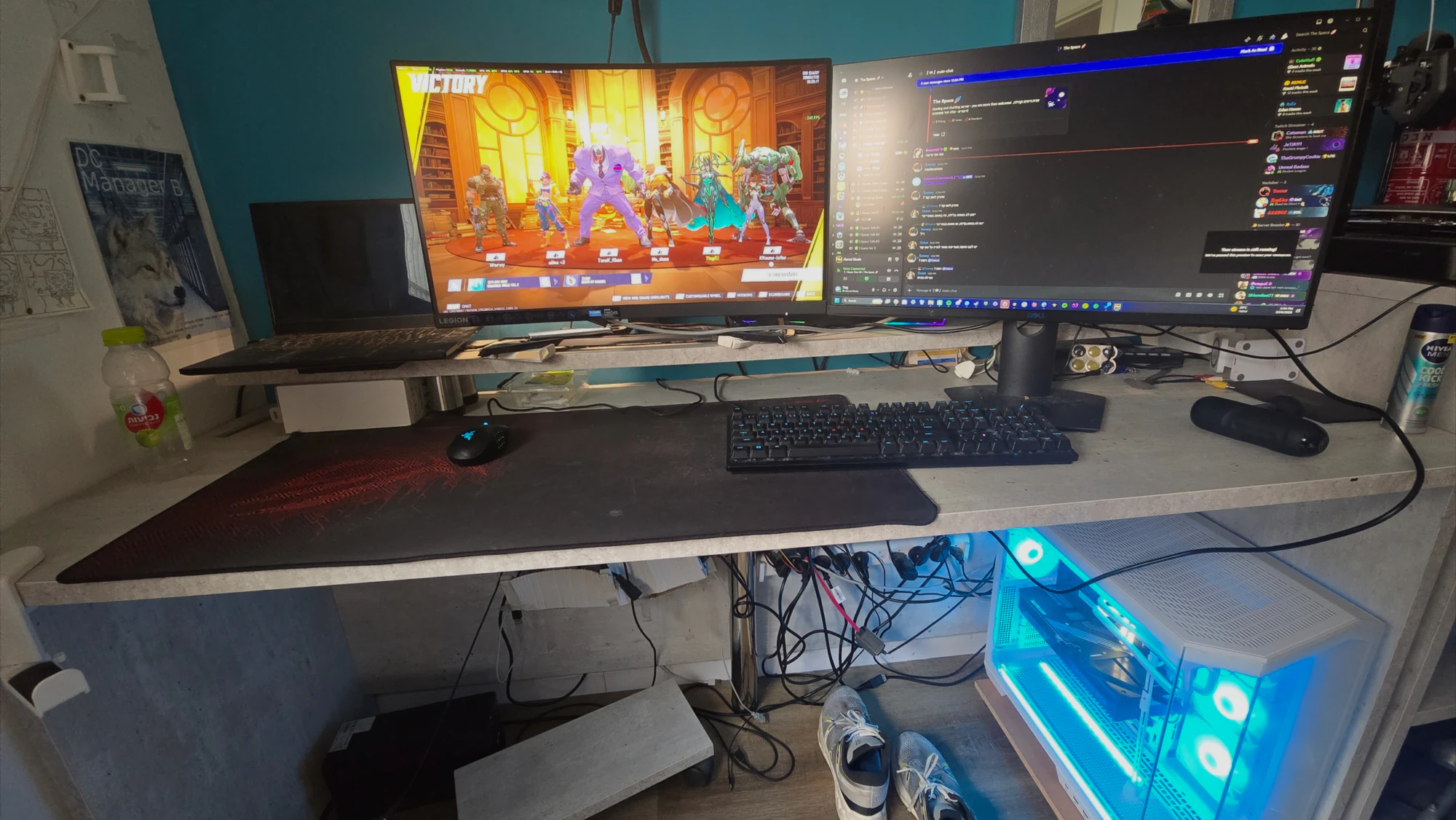
Display
Dual monitors: 1080p 240 Hz for Overwatch and 1440p 155 Hz for everything that wants more pixels. The 1080p 240 Hz panel is the one I play Overwatch on. The 1440p 155 Hz panel handles Discord, browsers, and reference material while I play or code.
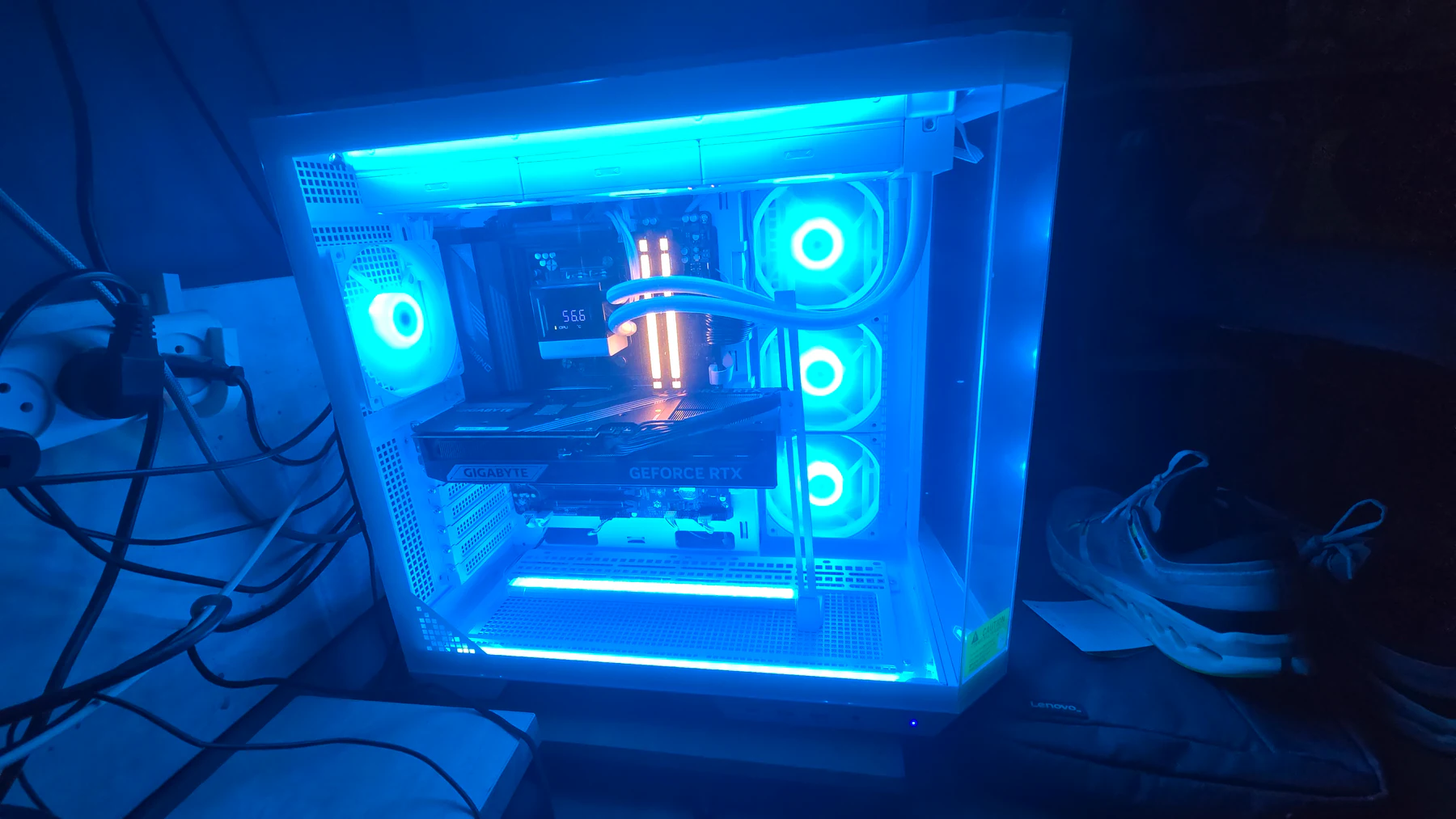
PC
Custom desktop: Ryzen 9 9950X3D2, Gigabyte RTX 5080 16GB, 32GB 6000 MT/s DDR5, X870 GAMING X WIFI7, about 2TB, white case with an AIO. I use it for competitive games and for Unity work on Tingbase.
Peripherals
I used a Razer Naga for four years and recently switched to a Logitech PRO 2 LIGHTSPEED. I play at 1200 DPI on 1080p 240 Hz for Overwatch and 1440p 155 Hz for everything that wants more pixels. The headset is a Razer BlackShark V2 HyperSpeed. The older Naga notes are still on the left-handed mouse page.
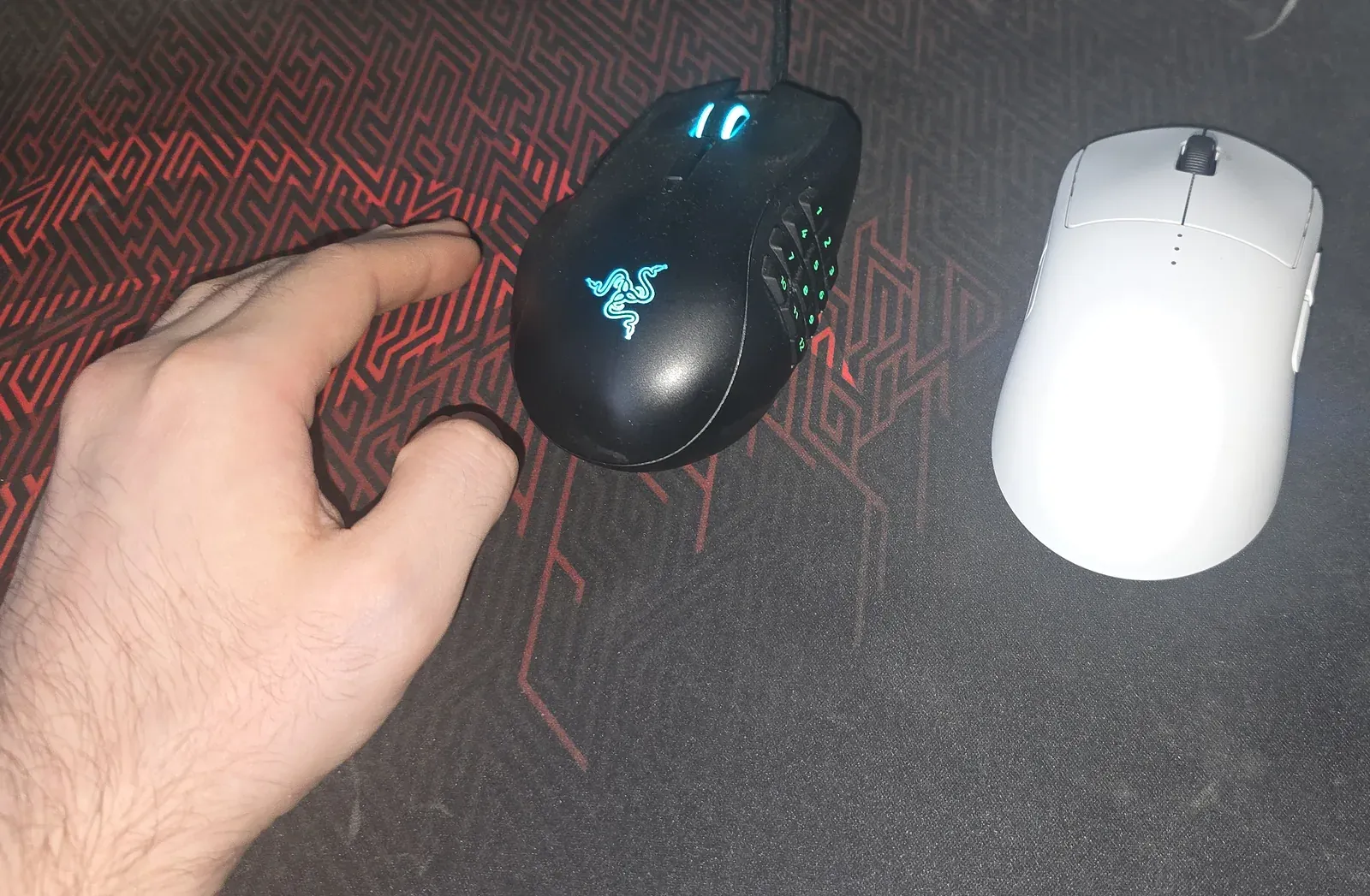
My movement keys are on the right side of the keyboard (UHJK instead of WASD) since my right hand is on the keyboard. Read more about this in how a left hand changes MMO keybinds and the best left-handed gaming mouse.
Related pages: hardware, aim tools, Zarya, Evoker PvP, and Tingbase.