
Game development
Based on the makers’ specs and my own testing where I say so.
What a Unity scene and a prefab are
A scene is the place you arrange and press Play on. A prefab is a saved object you can place more than once. Written from Unity 6 work on Tingbase.
Updated 4 min readYuval Eizik
- tingbase
Scenes and prefabs are the first two Unity words that trip people up. A scene is the asset you arrange and press Play on. A prefab is a GameObject saved so you can place it more than once. Both belong in the Unity editor. Tip: edit scenes and prefabs in Unity, not in your code editor. I work in Unity 6, C#.
| Thing | What it holds | Where you edit it | In a code editor |
|---|---|---|---|
| Scene | This moment: objects, lights, camera | Unity editor, then Save | Do not rewrite the.unity YAML |
| Prefab asset | A reusable object configuration | Prefab mode in Unity | Do not rewrite the.prefab YAML |
| Prefab instance | One placement of that asset | The scene, as overrides | Leave it; apply overrides in Unity |
| C# script | A behavior on a component | Cursor, then Play in Unity | Edit one verb, read the Console |
The scene
Unity 6’s manual calls scenes the place you work with content. They are assets that contain all or part of a game. A simple game can be one scene. A larger game might use one scene per level, each with its own environment, characters, obstacles, decorations, and UI. You can create any number. The same manual’s key-concepts page adds the other jobs: a menu, the credits, or a cutscene.
A new project opens a sample scene with a camera and a directional light. A new scene is copied from a template. File, then New Scene, or Ctrl+N on Windows and Cmd+N on a Mac, starts that copy. The first game can stay in the one you already press Play on, which is where the smallest loop is laid out.
Everything placed in the scene is a GameObject. Props, characters, the camera, and the light are all GameObjects. Components are the blocks on one. Every GameObject has a Transform: position, rotation, scale. Scripts, textures, models, and prefabs are assets you bring into the scene. They are not the scene itself.
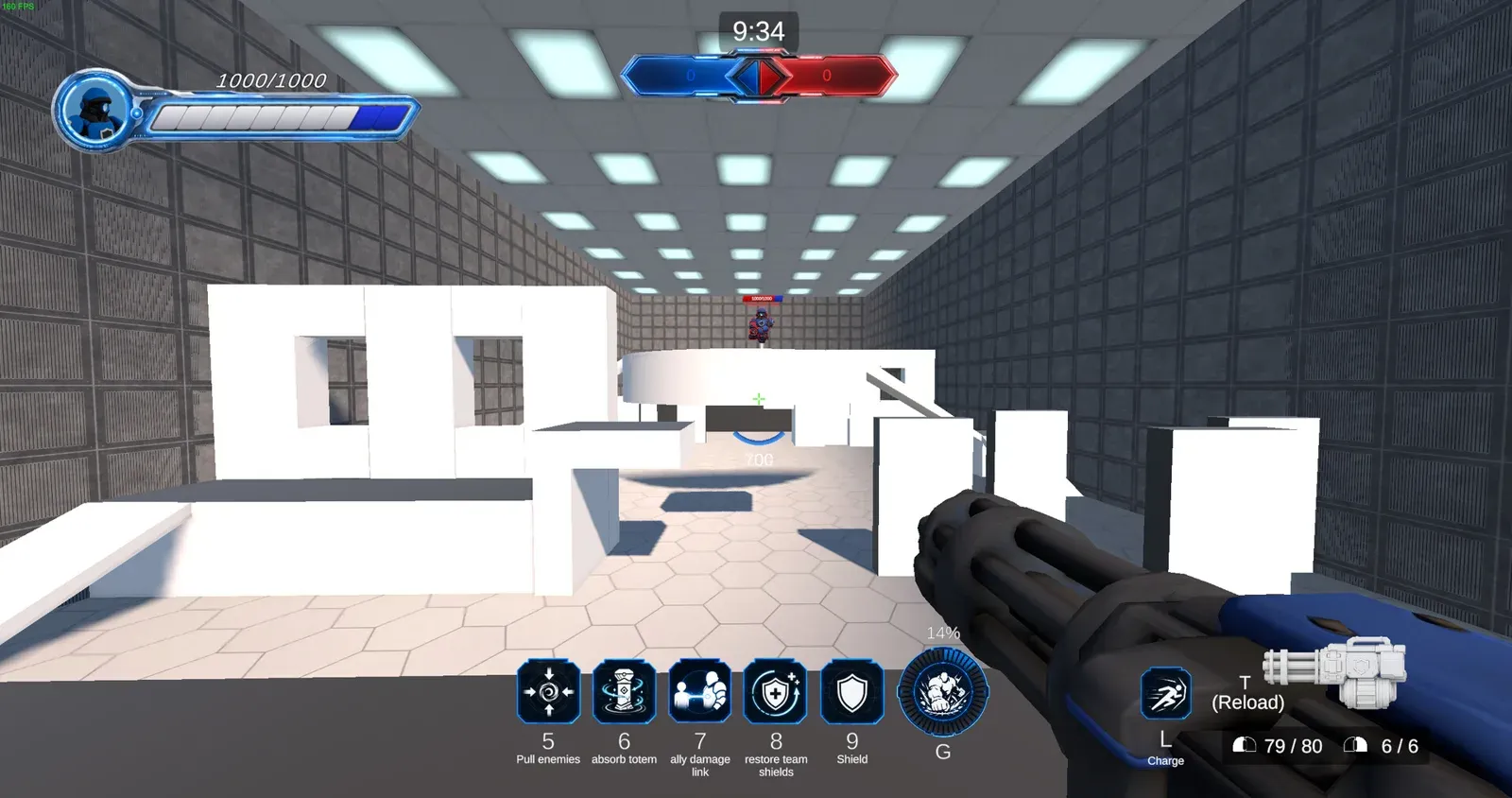
Tingbase is a 3v3 hero shooter (Steam 4086630): Tank, DPS, or Healer, arenas, deathmatch, co-op waves. A menu, an arena, and a results screen are the kinds of places Unity uses separate scenes for. The rule still holds: press Play on a scene you can see.
The prefab
Unity 6’s prefab page is about reuse. A prefab keeps a GameObject’s configuration, in one scene or across scenes. The asset is the original. Each placement is an instance. Change the asset and Unity updates the instances, so you are not editing every copy.
The manual’s examples are a repeated tree, a robot whose speed or sound is an override, a cannonball created when a cannon fires, and the player at the start of each scene. Objects absent at Play, such as effects and projectiles, can be created while the game runs.
An override changes one instance. A variant stores a set of overrides as its own prefab. A prefab can contain other prefabs. The source is the nearest prefab that defines the object. The original source is the root asset that introduced it. Unity’s note on authoring these files recommends editing the prefab in its own mode, so the change lands on the asset you meant.
The habit is the same on any Unity 6 project: if you will meet the object again, it is a prefab. If it exists only in this arrangement, it can stay a scene object.
What belongs where
A number that should change belongs on the component. The scene holds this moment. The prefab holds an object you expect to meet again. A C# script holds a behavior. That last one is what I edit in Cursor. I ask for one verb, read the diff, click the Unity window, read the Console, press Play. How to make a game in Unity is the beginner install path.
Do not hand Cursor a .unity or .prefab file and ask it to “clean up.” YAML references break. .meta files stay with the assets they identify. Library, Temp, and Logs are Unity’s. The Cursor workflow is the longer version of that rule.
A first project’s order
- Press Play on the sample scene. Confirm the camera and the light.
- Place one object you can see move.
- When you need a second copy of that object, make a prefab in the editor.
- When you need a second place (a menu, a second arena), add a scene. Not before.
- Commit the scene and the prefab from Unity’s save, and the script from Cursor.
The scene is this moment. The prefab is the object you will meet again. Play is the test.
Related: Game development, Unity vs Unreal Engine, Mini Games Arena, projects.
Common questions
What is a scene in Unity?
A scene is a container for everything in one part of your game, like a level, a menu, or a cutscene. A simple game can live in a single scene.
What is a prefab in Unity?
A saved, reusable object template. Every copy you place in a scene is an instance, and changes to the prefab update all of them.
What is a prefab variant?
A prefab based on another prefab, with its own changes on top. Edits to the original still flow through to the variant.
Keep reading
Game development
Best AI tools for game development
A ranked, category-by-category list of AI tools I actually use or would pay for in a Unity 6 project: Cursor, Copilot, art, 3D, audio, animation.
October 20, 2026 · 8 min read
Game development
Best game engines for beginners
Unity, Godot, Unreal or GameMaker? Which engine to pick for your first game, from someone shipping in Unity 6.
October 20, 2026 · 7 min read
Game development
How to make a game in Unity
A Unity 6 beginner path from Hub install to a playable loop. Written from Unity 6 C# work on Tingbase, not from a copied 2022 tutorial.
October 20, 2026 · 7 min read
Game development
Indie game marketing on Steam
How Steam wishlists, Coming Soon pages, demos and Next Fest actually work, from a dev with a live Coming Soon page.
October 20, 2026 · 8 min read