
Game development
Based on the makers’ specs and my own testing where I say so.
Best game engines for beginners
Unity, Godot, Unreal or GameMaker? Which engine to pick for your first game, from someone shipping in Unity 6.
Updated 7 min readYuval Eizik
- unity
- unreal
- godot
- beginners
- tingbase
On this page
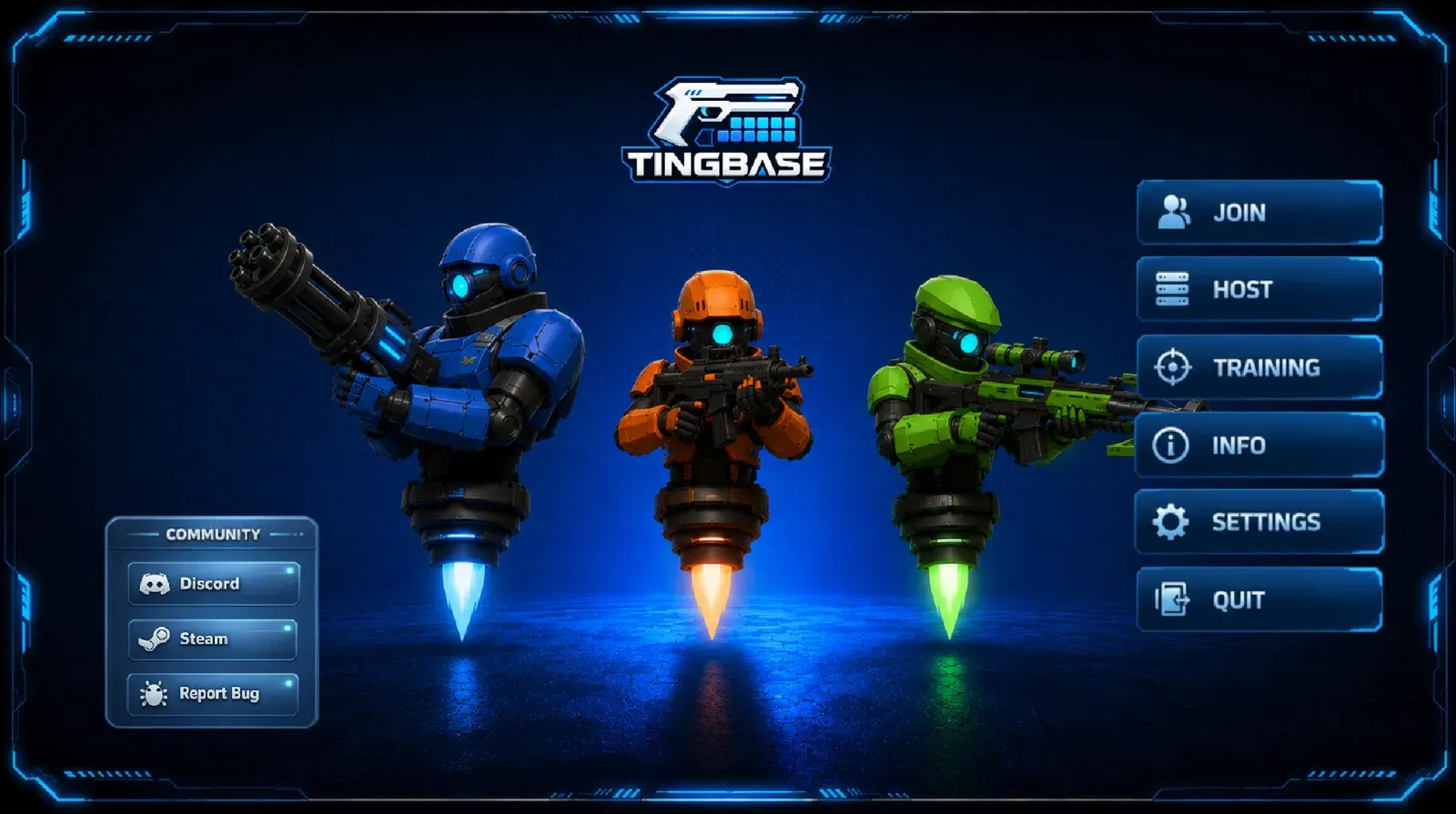
Picking your first game engine can feel like a big deal, so let’s make it simple. First, where I’m coming from: I write C# in Unity 6. Tingbase and the P2M VR work both sat in Unity. I build in Unity; for Godot and Unreal I’m going on their docs and what other devs report.
Most “best engine for beginners” lists pick Godot by default and call Unity the complicated one. That’s not much help if you already think in C# or want a Steam PC build. The real question: which engine gets your first small loop finished?
If you already picked Unity, go to how to make a game in Unity. Comparing just those two? See Unity vs Unreal.
- #1Best free 2D
Godot
MIT licensed with a dedicated 2D renderer and no royalty, including commercial games.
- MIT licence
- No royalty
- Small editor
Price Free
Get it free - #2Best for C#
Unity 6
C#, tons of tutorials, and Personal is free under $200K a year.
- C#
- Mobile + web
- Free under $200K
Price Free (Personal)
Get it free - #3Best for photoreal 3D
Unreal Engine 5
Best-in-class photoreal lighting; free to download, 5% after $1M gross.
- Blueprints + C++
- 5% after $1M
Price Free to download
Get it free - #4Best 2D-only tool
GameMaker
GML and a 2D-only editor; free to learn, $99.99 when you sell.
- GML
- 2D only
- $99.99 to sell
Price Free to learn
Learn more
Quick pick
| First game | Start here | Why I would say that |
|---|---|---|
| 2D platformer, puzzle, or sprite loop, and you want zero engine fee | Godot | MIT, dedicated 2D renderer, small editor. Not shipped by me yet. |
| Same 2D loop, and you want GML and a 2D-only tool | GameMaker | Free to learn; $99.99 when you sell. |
| 2D or stylized 3D, C#, mobile or web later, or you want to follow my tutorials | Unity 6 | Language I write. Personal is free under $200K. |
| Photoreal 3D room on a current PC | Unreal Engine 5 | Best-in-class photoreal lighting and detail. Steeper editor. |
| No code at all | I would still pick a coded engine or stop | A first game dies in menus. I do not teach a no-code stack I do not use. |
Do not pick from a render trailer. Write the sentence of the game, cut until one verb remains, then look at the art.
Comparison
| Topic | Unity 6 | Godot 4 | Unreal Engine 5 | GameMaker |
|---|---|---|---|---|
| Cost to start | Free on Personal under $200K TTM | Free (MIT) | Free to download | Free for non-commercial use (FAQ, 4 Aug 2026) |
| When you pay | Pro once you cross $200K; consoles need Pro | No engine royalty. Include the MIT text | 5% after $1M lifetime gross per product (licence) | Professional $99.99 one-time to sell; Enterprise for consoles |
| Language | C# | GDScript, C#, C++, GDExtension | C++ and Blueprints | GML (code and visual) |
| 2D | Built-in tilemaps and 2D tools in URP 2D | Dedicated 2D renderer, real 2D pixels | Paper2D | The whole product |
| 3D | URP / HDRP | Built-in 3D nodes | Lumen, Nanite, World Partition | Not the reason to pick it |
| Web | Documented Web player | Official web export | No official web export in the 5.8 platform docs | HTML5 export on the free/commercial desktop-mobile set |
| Consoles | Official, Pro or platform key | Third-party publishers (Godot homepage) | Official in the standard licence | Enterprise subscription |
| I have shipped in it | Yes (Tingbase, P2M) | No | No commercial title | No |
Unity 6
Best for. C#, 2D or stylized 3D, mobile, web, standalone VR I already trust, and a Steam PC build you can iterate on.
Cost. Personal is free under $200,000 USD of revenue and funds raised in the last 12 months. You own the content. Splash is yours to customize on current Personal. The Runtime Fee was cancelled on 12 September 2024. Pro is the paid seat once you cross the line, and it is what console publishing sits on. I quoted the 2026 Pro numbers on the Unity vs Unreal page. Recheck pricing before you budget.
Version. I work in the Unity 6 family. 6.3 LTS is the current long-term line (support through December 2027). Start a new beginner project there, not on 2022.3.
Learning curve. Hierarchy, Inspector, Play. A first game can be one scene and one script. The editor shows more than that. Ignore the rest until the cube moves. Official start: Unity Hub, then how to make a game in Unity.
Pros. One language I can hire and read. Asset Store. Documented mobile and Web players. The Cursor trip is short.
Cons. The Hub and package manager confuse a first week. Personal has a finance cap. Console work is a paid seat.
Tingbase stays here because the work is C# and a store page I can update. The wishlist is on Steam.
Godot
Best for. A free 2D start, a small download, and a licence you can read in one page.
Cost. MIT. Free, including commercial games. Official docs require the license text (credits, a licenses screen, a file, or an accepted link). Your game can use a different licence than the engine. Godot does not take a royalty.
Version I saw on 20 October 2026. The Godot homepage listed a 4.7.2 maintenance release (18 August 2026) and 4.8 in beta (15 October 2026). Confirm the current stable before you install. I am not pinning a beginner to a beta.
Language. GDScript is the native one (Python-like). C# is documented for desktop and mobile as of Godot 4.2. Godot 4 can’t export C# projects to the web yet.
Pros. Dedicated 2D. Scene-and-node model. No seat, no revenue cap. Open development.
Cons. 3D takes more setup than Unity’s URP. The homepage says console shipping is through third-party publishers. The asset ecosystem is smaller than Unity’s. If your first game is a C# job application, Godot C# is not the same hiring line as Unity C#.
If a beginner list told you “always Godot” without asking what the first game is, that list skipped the useful question.
Unreal Engine 5
Best for. A photoreal 3D first game on a current PC, or a team that already writes C++ and wants Blueprints and engine source.
Cost. Free to download. Under Epic’s standard EULA a shipped game pays 5% of worldwide gross after $1 million USD lifetime per product. Epic Games Store revenue is excluded from that base. Launch Everywhere with Epic Release (on or after 1 January 2025, with store-parity rules) drops the rate to 3.5% while the product still qualifies. A quarter under $10,000 is excluded. Recheck the licence page.
Learning curve. The editor shows more of the engine on day one. Blueprints make a first prototype possible without C++. I would not teach Unreal C++ as a first programming language.
Pros. Lumen, Nanite, World Partition. Official console path in the standard licence. Blueprints are native, not a plugin.
Cons. Heavy editor. No official web export.
If the first loop is a sprite and a jump, Unreal is the long way around.
GameMaker
Best for. 2D only, and you want a tool that does not pretend to be a 3D engine.
Cost. GameMaker FAQ and upgrade article, both updated 4 August 2026:
- Free for non-commercial use, including GX Games, desktop, mobile, and web export.
- Professional $99.99 one-time (or local equivalent) to sell on stores.
- Enterprise $79.99 per month or $799.99 per year for console export, once you are verified with the platform holders.
- YoYo says there is no extra royalty after that licence, and no forced watermark.
Pros. 2D workflow. Free to learn. A known list of shipped 2D games (Undertale, Hotline Miami and Katana ZERO were made in it).
Cons. I do not work in GML. 3D is not why you are here. Console is a subscription.
The other engines
Construct, RPG Maker, Pygame, LÖVE, and “prompt-to-game” builders show up on beginner lists. I do not ship in them. If you cannot read a 30-line script, learn that before you buy another subscription. A scoped first game needs a verb, not a fifth trial.
How I would choose for you
- Write the sentence. If you cannot, you are not choosing an engine yet.
- Look at the art. Photoreal room: Unreal. Sprite or readable 3D: Unity or Godot or GameMaker.
- Look at the language you will type next month. C#: Unity (or Godot C# if you already live in Godot). GDScript: Godot. GML: GameMaker. C++: Unreal.
- Look at the store. Steam PC is not an engine feature. It is a later marketing job. All four engines above can reach a Windows build. Consoles are the line that costs extra.
I stay on Unity 6 because I already write C# and I can keep Tingbase next to Cursor. That is a production reason, not a beginner commandment. If your first game is a pixel platformer and you want a free engine with a small editor, Godot is the answer I would give without pretending I have a Godot ship credit.
Pick one. Finish the loop. Then decide if the next game needs a different workshop.
Related: Game development, What is game feel, Mini Games Arena, projects.
Common questions
What is the best game engine for beginners in 2026?
Unity 6 is a great choice if you want to learn C# and have tons of tutorials to lean on. Godot is a popular free option for 2D games. Pick the engine that fits the first game you actually want to finish.
Is Unity still free?
Yes. Unity Personal is free as long as you earn under $200,000 a year, and the Runtime Fee was cancelled in September 2024 without ever being charged. You only need Pro or a console partner license to ship on closed consoles.
Is Godot free with no royalties?
Yes. Godot is MIT-licensed, so you can sell games made with it and pay nothing. You just need to include Godot's license text with your game. Console releases go through third-party porting companies.
Should a beginner start with Unreal Engine?
Usually not, unless you want to make realistic 3D scenes or already know C++. Blueprints make Unreal more approachable, but most beginners finish their first game faster in Unity or Godot.
Is GameMaker free?
Yes, for non-commercial use, including desktop, mobile and web exports. To sell your game you need GameMaker Professional for a one-time $99.99, and consoles require the Enterprise subscription. There are no royalties on top.
Can I switch game engines later?
Yes, but moving an existing game to a new engine is basically starting over. It's better to finish your first small game in the engine you started with, then switch for the next project if you want.
Keep reading
Game development
How to make a game in Unity
A Unity 6 beginner path from Hub install to a playable loop. Written from Unity 6 C# work on Tingbase, not from a copied 2022 tutorial.
October 20, 2026 · 7 min read
Game development
Unity vs Unreal Engine
Unity or Unreal? Here's which one fits your first game, your PC and your budget.
October 20, 2026 · 10 min read
Game development
Best AI tools for game development
A ranked, category-by-category list of AI tools I actually use or would pay for in a Unity 6 project: Cursor, Copilot, art, 3D, audio, animation.
October 20, 2026 · 8 min read
Game development
Indie game marketing on Steam
How Steam wishlists, Coming Soon pages, demos and Next Fest actually work, from a dev with a live Coming Soon page.
October 20, 2026 · 8 min read