
Game development
Based on the makers’ specs and my own testing where I say so.
Indie game marketing on Steam
How Steam wishlists, Coming Soon pages, demos and Next Fest actually work, from a dev with a live Coming Soon page.
Updated 8 min readYuval Eizik
- steam
- tingbase
- marketing
On this page
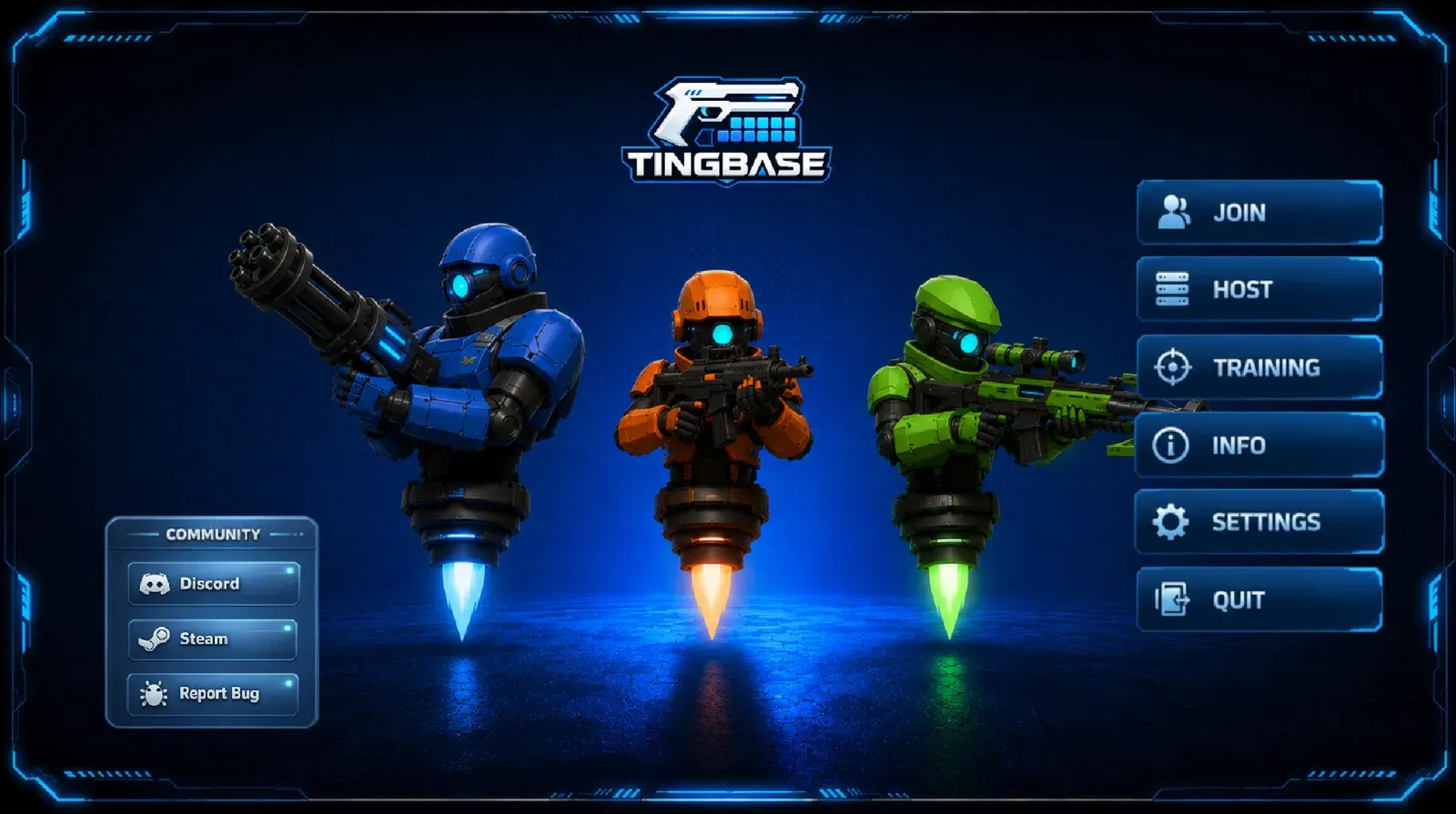
I have a public Coming Soon page for Tingbase on Steam (app 4086630). So part of this guide comes from my own page, and the rest is what Steamworks actually says about wishlists, store pages, demos, and Next Fest.
Most indie marketing posts skip Valve’s own FAQ line: there is no minimum number of wishlists before Steam starts showing your game, and there is no formula that accurately predicts sales from wishlists. They also skip the Next Fest rule that a title may participate once. This guide covers both.
If you do not have a game yet, make one first: how to make a game in Unity, best game engines for beginners, Unity vs Unreal.
What Steam marketing actually is
Steam marketing is a public page where a player can take one action: wishlist (before release) or buy (after). Everything else is in service of that action.
Valve’s own pre-release list is short:
- A store page, up early enough that people have somewhere to go.
- Wishlists, because release and discount emails go to that list.
- Tags, so the recommender and the player both know what the game is.
- Next Fest, if you have a demo and you haven’t used your one Next Fest entry.
- Announcements, once your community page is up.
Pay the fee and wait
Steamworks onboarding is paperwork, identity, bank, tax, and a $100 USD product fee per app. The Steam Direct page says that fee is not refundable and is recoupable after the product has at least $1,000 Adjusted Gross Revenue from Steam Store and in-app purchases.
Before a first release, Valve also documents:
- A review of the store page and build (onboarding says 1–5 days). Submit the store presence at least 7 business days before you want the Coming Soon page live (Coming Soon).
- A Coming Soon page public for at least two weeks before you can release.
- A waiting period after you pay the app fee before you can release. Expect a 30-day wait after paying the fee (Valve’s docs list 21–30 days).
What about Steam’s cut? Steamworks payment docs say monthly reports take Net Revenue and multiply by the share in the Steam Distribution Agreement you signed. So if a blog says “Steam always takes 30%,” check your own agreement instead.
Payments: if last month’s sales cleared the $100 minimum, Valve pays by EFT, usually by the 30th of the following month.
The Coming Soon page
Coming Soon is the page I actually have for Tingbase. You complete the store-presence checklist, mark the app ready for review, wait for approval, then press Post as Coming Soon. Preview in Store Beta Mode first. Publishing copies assets to public servers even if the app is still hidden, so do not put a secret title in those slots.
Valve’s timing note: put the page up when you can show the core and the art direction. A page that sits for two years is fine if the game is still the same game. A page that changes genre twice trains the wrong wishlist.
Required store capsules, from the Graphical Assets page (August 2024 sizes; old sizes are no longer accepted):
| Asset | Size |
|---|---|
| Header capsule | 920 × 430 |
| Small capsule | 462 × 174 |
| Main capsule | 1232 × 706 |
| Vertical capsule | 748 × 896 |
| Screenshots | at least 1920 × 1080, 16:9, more than one |
| Library capsule | 600 × 900 |
| Library hero | 3840 × 1240 |
| Library logo | 1280 wide and/or 720 tall |
| Library header | 920 × 430 |
| Shortcut icon | 256 × 256 |
| App icon | 184 × 184 |
A gameplay trailer is “ideally” part of Coming Soon. I would not post a cinematic that is not the game.
Store page rules that catch people:
- No links to other websites in the written description. Use the dedicated social / site fields.
- No fake Steam UI (fake wishlist buttons, fake capsules, fake prices).
- No images or widgets that advertise other Steam games in the description.
Tags: after the page is up, open it and add the tags that are actually true. Look at games like yours. You can remove a wrong player tag. Tags feed recommendations. They are not a keyword-stuffing box.
Release date display is a separate control. You can be vague until you can be specific. Do not invent a day you will miss.
Tingbase’s page is live as Coming Soon. If you want the launch email, wishlist it there. That’s all I’m asking.
Wishlists
Wishlists need a public store page and nothing else in the build. Players add the game. You get a daily report (yesterday’s data). Regional splits live on the sales portal.
Notifications Valve documents:
- Release or Early Access. Email and/or mobile push to current wishlisters.
- Early Access → 1.0. Another email to whoever is on the list at that moment.
- Discount. At least 20%, at least 8 hours, and it must include the lowest-priced package. Deluxe-only does not fire the mail.
- Demo. One ping, when you press the button on the demo app, within two weeks of the demo becoming playable, once.
Cooldown: customers who got mail about that appID in the last 1–2 weeks sit out (longer in seasonal sales). Unverified emails and opted-out accounts get nothing. High-volume periods delay the send. If a discount email sits more than a week, Valve stops trying.
Visibility: wishlists can put the game on upcoming lists and on personalized shelves. Valve’s FAQ: no minimum wishlist count to start showing the game. After launch, a wishlisted title can show a reminder on those shelves. The store is personalized. Nobody outside Valve knows the ranking weights.
What I do with that on Tingbase: the page exists, the tags exist, and I point people at the Steam URL when I write about the game. I do not refresh a counter in public. A counter becomes the work.
The page copy
Get to the verb in the first lines. Valve says tell the story and get to the point. Screenshots should be the game, not a mood board. If the game is 3v3, the first image should not be a title card.
I am not going to rewrite Tingbase’s Steam copy here. The page is the page. Update it when the build changes, not when a marketing thread tells you to “refresh the algorithm.”
Pricing, when you get there: you set it, in 37 currencies. Valve reviews proposed prices in one or two business days. After release, they ask you to wait 30 days before a price change. A price increase starts a 30-day discount cooldown. Launch discounts are a separate tool. 99 recommendation.
Demos
A demo is its own App ID, tied to the full game. You add it from the base app’s associated-packages page. It has its own checklist and its own builds.
Valve’s three notes: quality has to match the real game, timing is usually stronger at launch unless players need to touch the game to understand it, and length should excite without emptying the product.
You can put a demo on a Coming Soon page. You can give the demo its own store page (demo-specific trailer and at least five demo screenshots) or only a button on the base page. After you release the demo, re-publish the base store page or the Download Demo button may not appear.
Next Fest needs a demo. A demo does not need Next Fest.
You can deactivate a demo after a festival. Players who already installed it will still see it in the library and cannot launch it. Wishlist demo mail still fires only once, in the first 14 days after the first playable release.
Tingbase doesn’t have a public demo yet. When it does, you’ll see it on the Steam page.
Steam Next Fest
Next Fest is a week of upcoming games with playable demos. Steam hosts three editions a year: February, June, October.
A title may join one Next Fest. Pick the edition that matches the demo and the release, not all three.
Evergreen eligibility:
- Steamworks account in good standing.
- Has not already used its Next Fest slot.
- Base store page published and public.
- Publicly playable demo by the time the fest starts.
- Will not release before that edition ends.
- Not a prologue or short-form version of a game already on Steam.
October 2026 ran 19 October 10:00 AM PDT to 26 October 10:00 AM PDT. Release had to be after 26 October 2026. The next edition listed on that page was February 2027. Livestreams are optional and sit on their own tab.
I am not going to say Tingbase is or is not in a Next Fest. That is a registration, not a sentence I invent.
A working order
- Finish a stranger-playable loop in the engine you already picked.
- Onboard Steamworks. Pay the $100. Do the tax interview. Do not ignore the email asking for documents.
- Build the capsules at the current sizes. Write a description that says what you do in the game. Show real gameplay in the first seconds of your trailer.
- Submit for review at least 7 business days before you want the page public. Post Coming Soon. Wishlist it yourself on a personal account and check the page like a stranger.
- Tag the page. Point at the Steam URL from your site. I do that from /tingbase and from these articles.
- Stay on the page. Update screenshots when the build changes. Community hub announcements are for actual changes, not daily “we are still working.”
- Release a demo when the game is ready to be judged. Optionally spend the one Next Fest slot on the edition
- Release only after the two-week Coming Soon rule and the fee waiting period on the live onboarding page. Launch mail goes to the list you already built.
I edit Tingbase in Unity 6 next to Cursor. The store page is the public door. The work behind the door is still Play mode.
Related: Game development, What is game feel, Mini Games Arena, projects.
Common questions
How many Steam wishlists do I need?
Valve's wishlist FAQ says there is no minimum wishlist count before Steam starts showing a game to users, and there is no formula that accurately predicts sales from wishlists.
When should I put up a Steam Coming Soon page?
When you can show the core of the game with branding, screenshots, and a description you will still stand behind. Valve requires a public Coming Soon page for at least two weeks before release. They also say there is no strong downside to a long page unless the game changes a lot.
What does a Steam wishlist actually do?
Players with the game on their wishlist can get an email and/or mobile push when you release (including Early Access), when you leave Early Access for 1.0, when you run a qualifying discount, and once when you release a public demo (you press that button yourself, within two weeks, once).
How do I join Steam Next Fest?
Next Fest runs three times a year (February, June, October). A title may join only one. You need a Steamworks account in good standing, a public store page, a publicly playable demo by the start of the fest, and a release date after that edition ends. The October 2026 edition ran 19–26 October 2026, 10:00 AM PDT.
How much does it cost to put a game on Steam?
The Steam Direct product fee is $100 USD per product. Valve says it is not refundable and is recoupable after the product has at least $1,000 Adjusted Gross Revenue from Steam Store and in-app purchases. You also complete identity, bank, and tax paperwork.
Does a good Steam page replace a finished loop?
No. A page can collect wishlists. It cannot make a broken verb fun. Finish a playable loop first.
Keep reading
Game development
Best AI tools for game development
A ranked, category-by-category list of AI tools I actually use or would pay for in a Unity 6 project: Cursor, Copilot, art, 3D, audio, animation.
October 20, 2026 · 8 min read
Game development
Best game engines for beginners
Unity, Godot, Unreal or GameMaker? Which engine to pick for your first game, from someone shipping in Unity 6.
October 20, 2026 · 7 min read
Game development
How to make a game in Unity
A Unity 6 beginner path from Hub install to a playable loop. Written from Unity 6 C# work on Tingbase, not from a copied 2022 tutorial.
October 20, 2026 · 7 min read
Game development
Unity vs Unreal Engine
Unity or Unreal? Here's which one fits your first game, your PC and your budget.
October 20, 2026 · 10 min read