
Game development
Based on the makers’ specs and my own testing where I say so.
Best AI tools for game development
A ranked, category-by-category list of AI tools I actually use or would pay for in a Unity 6 project: Cursor, Copilot, art, 3D, audio, animation.
Updated 8 min readYuval Eizik
- unity
- cursor
- ai
- tingbase

On this page
- How to pick
- Coding
- 1. Cursor
- 2. GitHub Copilot
- 3. Unity’s official plugin + CLI (free)
- Art and textures
- 4. Scenario
- 5. Leonardo
- 3D models
- 6. Meshy
- 7. Tripo
- Audio and voice
- 8. ElevenLabs
- 9. Inworld
- Animation
- 10. Mixamo (Adobe)
- 11. Meshy animation (paid)
- In-engine
- 12. Unity’s in-editor assistant
- 13. Unreal Engine AI Assistant
- A stack that can ship
- What I do not use AI for
AI tools can save you hours in game dev, or waste a whole weekend. I use Cursor every day on Tingbase, and I write C# in Unity 6. This list is sorted by the job each tool does, not by how flashy its trailer is. I haven’t pushed every art generator through a full production pipeline, so for those I’ll tell you what the tool offers and the main pitfall to watch for.
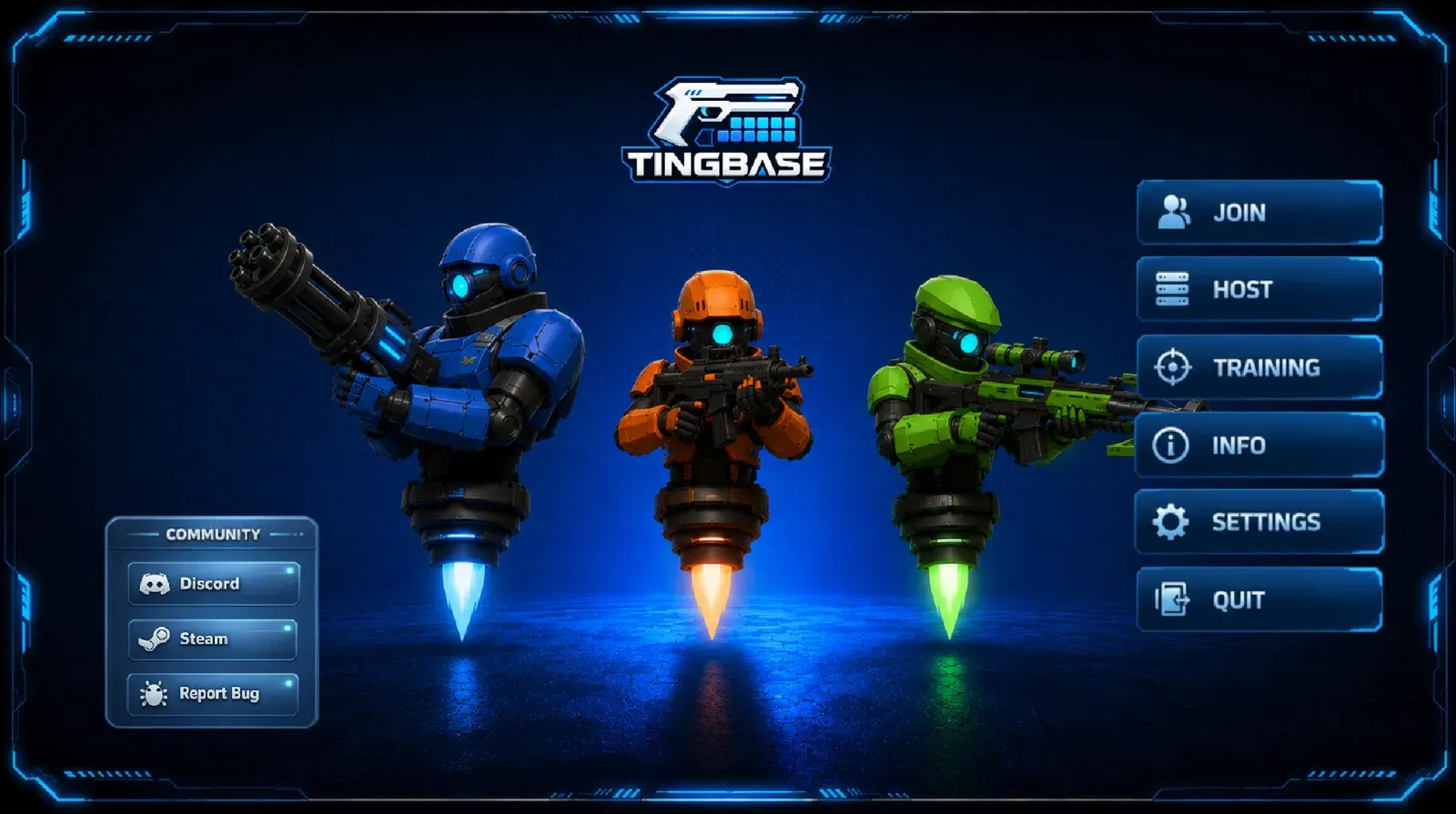
Prices change often, so open the official pricing page before you pay.
How to pick
Start with the gap that is stopping a playable build.
- The script will not compile, or you cannot see the next C# change. That is a coding tool.
- The scene needs a mesh that is not the hero. That is 3D draft, then a real pass in Blender or the engine.
- The 2D set has to stay on-model. That is a style-trained image tool, not a random prompt.
- A character has to speak a line. That is voice, with a commercial licence.
- You are still deciding what the game is. That is a scope page, not another subscription.
AI won’t design how your game feels; it just gets you back to testing faster. I use it to get back to Play faster. The Unity and Cursor loop is the whole method: one named behaviour, read the diff, click into Unity, test the one thing.
All the links below go straight to each tool’s official site. None of them are affiliate links.
Coding
1. Cursor
What it is. An AI-native code editor. I write Tingbase C# here.
Pricing: free tier plus paid plans; see cursor.com/pricing.
Best use. One script, one behaviour, a diff you will actually read. “In PlayerDodge, start the dodge on press” is a request. “Build my game” is not.
Pros. Whole-project context. I stay in the repo. The Unity trip is short.
Cons. Plus is Grok-only. Third-party models on Premium+ are extra. It will rewrite .meta files and scene YAML if you let it. Do not.
2. GitHub Copilot
What it is. Autocomplete and chat inside VS Code, Visual Studio, and JetBrains. Official plans: GitHub Copilot plans.
Pricing. Free (limited, Auto model only). Pro $10/mo (1,000 base + 500 flex credits). Pro+ $39/mo. Max $100/mo. Business $19/seat/mo. Enterprise $39/seat/mo. Student and some open-source maintainers can get Pro free.
Best use. Stay in Visual Studio if that is already your Unity IDE. Inline completion while you type a method you already understand.
Pros. Cheap Pro seat. Lives where a lot of Unity installs already sit.
Cons. I get more done in Cursor on a whole feature. Copilot Free is a trial, not a production plan.
3. Unity’s official plugin + CLI (free)
What it is. Unity retired the “Unity AI” brand name. The current tools are an in-editor assistant (paid credits), a free CLI, a free MCP server, and a free official plugin that drops Unity skills into Claude Code, Codex, or Grok. Muse is deprecated.
Pricing. CLI, MCP, and plugin: free, no concurrency limit, Unity 6.0+. In-editor assistant: included for Pro / Enterprise / Industry (paid plans list a 3,000 monthly credit allowance). Personal users get a trial, then $10/mo. Extra credits are bought in the dashboard.
Best use. Drive the editor from the agent you already pay for, without a second chat product.
Pros. Official skills. Does not consume Unity credits when you bring your own agent through the gateway.
Cons. The in-editor assistant is still in beta. Generated assets are tagged as AI-generated; store disclosures are on you.
I would install the plugin before I paid Unity $10. I already pay for Cursor.
Art and textures
4. Scenario
What it is. Image and texture generation with optional custom models trained on your art. scenario.com/pricing.
Pricing. Free: 50 credits, no card. Starter $15/mo (1,500 credits). Pro $45/mo (5,000; custom model training). Max $75/mo (10,000; up to 25 users). Annual saves 33%. Credits do not roll over.
Best use. A 2D game that has to stay on-model after the third sprite sheet.
Pros. Training is the point. Private generations on paid plans.
Cons. A prompt-only week will look like every other AI sheet. Train or do not bother.
5. Leonardo
What it is. Concept art, key art, and textures. leonardo.ai/pricing.
Pricing. Free: 150 fast tokens/day. Essential $12/mo (8,500 fast tokens/month). Higher solo and team tiers sit at $30 and $60 on the public cards I saw; confirm at checkout. API is pay-as-you-go.
Best use. Mood boards and marketing stills, not the final sprite atlas.
Pros. Fast to try. Cheap Essential tier.
Cons. Public Free creations. Consistency across a full game still wants a trained model (see Scenario) or a human pass.
3D models
6. Meshy
What it is. Text or image to 3D, plus animation and DCC bridges (Unity, Unreal, Blender, Godot, Maya). meshy.ai/pricing.
Pricing. Free: 100 credits/mo, CC BY 4.0 (commercial with attribution), 1 concurrent task. Pro $20/mo (1,000 credits, commercial, animation, bridges). Ultra $40/mo. Studio $70/mo (shared pool, team). Enterprise custom.
Best use. Props and blockout meshes you will retopo later. Not the hero character you will stare at for 40 hours.
Pros. Full draft pipeline, including motion on paid plans. Engine bridges.
Cons. Free licence needs attribution. Topology and materials still fail a close-up. Budget a cleanup pass.
7. Tripo
What it is. Fast 3D drafts, segmentation, and DCC export. tripo3d.ai/pricing.
Pricing. Free: 200 credits/mo, public models, non-commercial. Pro $20/mo (3,000 credits, commercial, private). Max $90/mo. Team from $110/mo ($55/seat on the annual card). Confirm whether the $20 Pro number is monthly or the annual-equivalent on the day you subscribe; the page showed both.
Best use. Iterate a prop ten times before you commit to a sculpt.
Pros. Speed. Segmentation. Unity and Unreal in the bridge list.
Cons. Free is non-commercial. Do not ship a Free-plan mesh.
Audio and voice
8. ElevenLabs
What it is. Text to speech, sound effects, cloning, and (on current plans) music. elevenlabs.io/pricing.
Pricing. Free $0 / 10k credits, no commercial licence. Starter $6/mo / 30k credits, commercial licence. Creator $22/mo ($11 first month) / 121k. Pro $99 / 600k. Scale $299. Business $990. Annual is 10× monthly (two months free). Credits roll over up to two months on paid plans.
Best use. Placeholder VO and SFX you can hear in the same session you write the line. Paid Starter before anything goes in a store build.
Pros. One vendor for voice and SFX. Clear free-vs-commercial split.
Cons. Free is not a ship licence. Cloned voices need consent. I would still hire a human for the lines the trailer hangs on.
9. Inworld
What it is. Runtime TTS, STT, and LLM inference aimed at talking NPCs. inworld.ai/pricing.
Pricing. On-demand $0 (pay as you go; TTS-2 listed at $25/1M chars). Creator $25/mo. Builder $100/mo. Developer $300/mo. Growth $1,500/mo. Credits roll over up to three months. GDPR and SOC 2 Type II claimed on every plan.
Best use. An NPC that has to answer in play, not a recorded bark.
Pros. Voice plus model calls on one bill. Commercial on on-demand.
Cons. You now have a live API in the game. Cost, latency, and a mute-able fallback are design work, not a plugin tickbox.
Animation
10. Mixamo (Adobe)
What it is. Browser rigging and a mocap animation library. mixamo.com. Export FBX into Unity or Unreal, then retarget.
Pricing. The public site does not list a seat price; you sign in with an Adobe account and export. Check Adobe’s current terms for commercial use on the day you download.
Best use. Humanoid locos and a first-pass hero skeleton. I would rather retarget Mixamo than ask a text-to-3D tool to invent a walk cycle I will watch for a year.
Pros. Known pipeline. Epic even has community retarget notes for Unreal 5.7.
Cons. Humanoid-centric. Not a style tool. Not a substitute for a combat set you care about.
11. Meshy animation (paid)
Covered above. Paid Meshy plans advertise unlimited animation with a motion library. Use it for a draft, then replace anything the camera holds on.
I would not buy a third animation-only AI until a walk I shipped needed it. The expensive part of animation is still the feel of the verb.
In-engine
12. Unity’s in-editor assistant
Same family as the plugin. Lives in the Editor, understands the scene, can drive actions, tags generated assets. Unity 6.0+. Beta. $10/mo after trial on Personal; bundled credits on paid Unity seats.
Best use. Someone who refuses to leave the Editor window.
**Skip it if you already use Cursor with the free Unity plugin, like I do.
13. Unreal Engine AI Assistant
Epic shipped an in-editor AI Assistant as experimental with Unreal Engine 5.7: a slide-out panel for questions, code samples, and step-by-step help, using the same trained assistant as UEFN and the Developer Community. If you are on Unreal 5.7 or 5.8, open the current editor and see whether the panel is on your install before you budget for it.
A stack that can ship
This is the stack I would actually pay for on a Unity 6 game like Tingbase:
| Job | Tool | Why |
|---|---|---|
| C# | Cursor Premium | The loop I already have |
| Editor drive | Unity plugin + MCP | Free, official |
| 2D style lock | Scenario Pro, if we have enough art to train | Otherwise draw it |
| 3D blockout | Meshy Pro or Tripo Pro | Cleanup in Blender |
| VO / SFX drafts | ElevenLabs Starter | Commercial licence |
| Humanoid first pass | Mixamo | Then retarget |
I would not stack Cursor and Copilot. I would not pay Unity $10 for the in-editor chat on day one. I would not let any of these tools touch a scene or prefab YAML file.
If you are still choosing an engine, read Unity vs Unreal Engine or best game engines for beginners first. The tool list does not pick the engine for you. If you already picked Unity and do not have a project, start with how to make a game in Unity.
What I do not use AI for
- The verb. If the dodge does not feel right in the first frame, that is a control scheme and a Play-mode problem.
- The cut. An assistant will happily add a second system. The cut is a sentence you write.
- Store legal. Generated assets need a licence you can show a platform holder. Unity embeds metadata on assistant-made assets. You still write the declaration.
- Input numbers. Sensitivity lives in a build and in the tools page, not in a chat.
Tingbase is still a game I have to play. The wishlist is on Steam. Studio Stigma work, including P2M, is under projects.
Related: Game development, Indie game marketing on Steam, Mini Games Arena.
Common questions
What is the best AI tool for game development?
There isn't one tool for everything, so pick by job. Cursor is great for writing code, ElevenLabs for voice, Meshy or Tripo for quick 3D drafts, and Scenario for consistent 2D art. Start with whatever is slowing your project down the most.
Can AI make a whole game for me?
Not a real one yet. Prompt-to-game builders can make a simple browser toy, but a game you can ship and maintain still needs an engine, a tight core loop, and someone who understands the code.
Is Unity Muse still available?
No, Unity has deprecated Muse. It's been replaced by Unity's AI tools, which include an in-editor assistant, a CLI, an MCP server and an official plugin, and they run on third-party models instead of Unity's own.
Is Cursor worth it if I already have GitHub Copilot?
It is if you want the AI to understand your whole project, not just the line you're typing. Cursor works as a full editor with project-wide context, while Copilot is a cheaper autocomplete inside VS Code or Visual Studio. Most solo devs don't need to pay for both.
Can I use AI-generated game assets commercially?
Only if the tool's license allows it. Meshy's free plan uses CC BY 4.0, so you need to credit it, and ElevenLabs only includes a commercial license from the Starter plan up. Check the license when you export and keep a record.
Will AI replace game programmers?
No. AI can write a first draft of a small C# change quickly, but it can't playtest, feel how the controls respond, or decide what to cut. Those judgment calls are still the core of making a good game.
Keep reading
Game development
Best game engines for beginners
Unity, Godot, Unreal or GameMaker? Which engine to pick for your first game, from someone shipping in Unity 6.
October 20, 2026 · 7 min read
Game development
How to make a game in Unity
A Unity 6 beginner path from Hub install to a playable loop. Written from Unity 6 C# work on Tingbase, not from a copied 2022 tutorial.
October 20, 2026 · 7 min read
Game development
Unity vs Unreal Engine
Unity or Unreal? Here's which one fits your first game, your PC and your budget.
October 20, 2026 · 10 min read
Game development
Indie game marketing on Steam
How Steam wishlists, Coming Soon pages, demos and Next Fest actually work, from a dev with a live Coming Soon page.
October 20, 2026 · 8 min read