
Graphics cards
Graphics cards
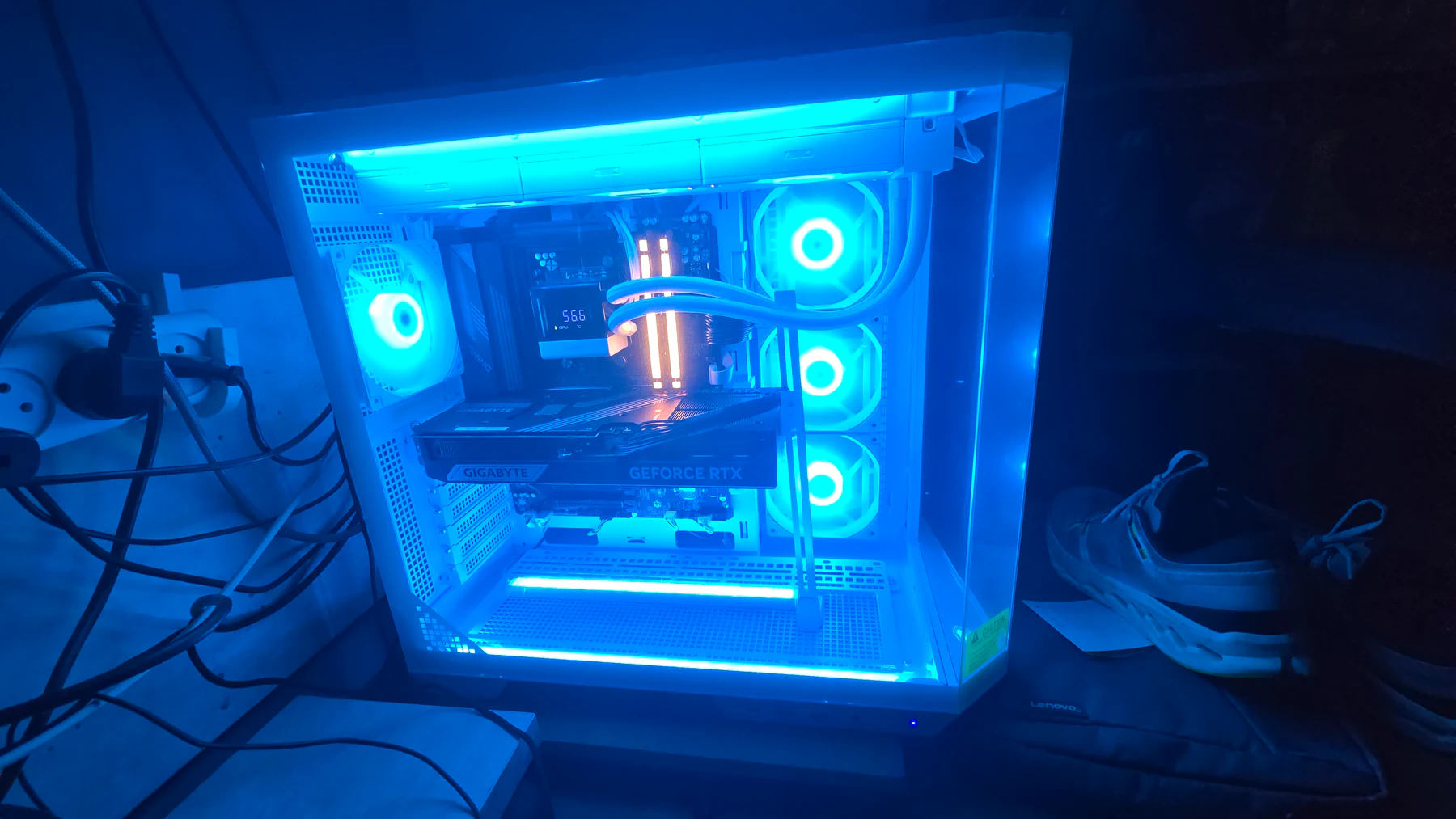
I play on a Gigabyte RTX 5080 next to a Ryzen 9 9950X3D2, so a lot of what I write about PCs starts with the graphics card. This is where those pages live: the RTX 5090 specs and buyer guide, my RTX 5080 build, plain-language guides on DLSS and frame generation, and a GPU compare tool that puts two cards side by side.
15 articles
Spec sheets only tell part of the story, so I keep the two apart. The compare tool shows what the manufacturers publish: VRAM, memory bus, rated power, boost clock and launch price, each with a source and the date I checked it. It does not show frame rates. For those you need benchmarks of the games you play at your own resolution.
Most of the guides below are about what happens after you pick a card: updating the driver, reading an FPS counter, using DLSS, frame generation and Reflex, and capping frames. Head-to-head comparisons, the kind that answer which of two cards to buy, are on the way and listed further down.
How I narrow down a graphics card
1
Start with your screen
A card for 1080p at 240 Hz is a different purchase than one for 4K. I play on a 1080p 240 Hz monitor and a 1440p 155 Hz one, so I decide what the screen needs before I open a price list.
2
Read the VRAM line carefully
Memory is the one spec you can read straight off the sheet, and the same name can hide different amounts. The RTX 5060 Ti, for example, comes with 16 GB and 8 GB versions. Check exactly which version a listing sells.
3
Match the card to your power supply and case
Rated board power tells you what the PSU and case have to handle. My RTX 5080 is rated at 360 W, and NVIDIA recommends an 850 W power supply for the whole system. The PSU calculator does the sum for your own parts.
4
Know what DLSS and frame generation do
Upscaling and frame generation are features of specific brands and card generations. Read what each one does before it decides a purchase. The guides below explain them without the marketing.
5
Compare prices on the day you buy
The compare tool lists launch prices, which show how a lineup was positioned on day one. They are not what a card costs today, so check current prices before you decide.
Graphics card guides by topic
Card reviews
Cards in a build
Upscaling and frames
Drivers and performance
Tools and related pages
- GPU compare tool — Two cards side by side, with sources and the date checked.
- PSU wattage calculator — Estimate from named parts.
- Bottleneck estimator — A coarse CPU/GPU balance check.
- Frame-time calculator
- PC builds and components
- Best CPU for gaming
- Gaming monitors
Comparisons and guides coming next
These are written next. Each one moves into the article list above once it is published.
- RTX 5070 vs RTX 5070 Ti
- How much VRAM do you need for gaming?
- RTX 5070 Ti vs RX 9070 XT
- RTX 5070 vs RX 9070 XT
- Best GPU for 1440p gaming
- RTX 5060 vs RTX 5060 Ti
- RTX 4060 vs RTX 5060
Common questions
How do I compare two graphics cards?
Use the GPU compare tool to see two cards side by side: VRAM, memory bus, rated power, boost clock and launch price, with differences highlighted. It compares published specs, not frame rates, so check benchmarks for the games you play too.
Which graphics card do you use?
A Gigabyte GeForce RTX 5080 16 GB in a desktop with a Ryzen 9 9950X3D2. The RTX 5080 page covers the build and the power supply it needs. For the desktop flagship sheet, see the RTX 5090 page (researched, not a card I own).
Where do the compare tool numbers come from?
Specs come from the manufacturer pages for each card (NVIDIA, AMD or Intel). Launch price and release date come from Wikipedia. Every card lists its sources and the date I checked them.
Does the compare tool show FPS?
No. It leaves frame rates out on purpose, because they depend on the game, the resolution and the settings. Use it to see what two cards have on paper, then check benchmarks.
How much power supply does a graphics card need?
Check the rated board power on the card page, then run your whole system through the PSU wattage calculator. For the RTX 5080, NVIDIA recommends an 850 W power supply.
All graphics cards articles
Gear
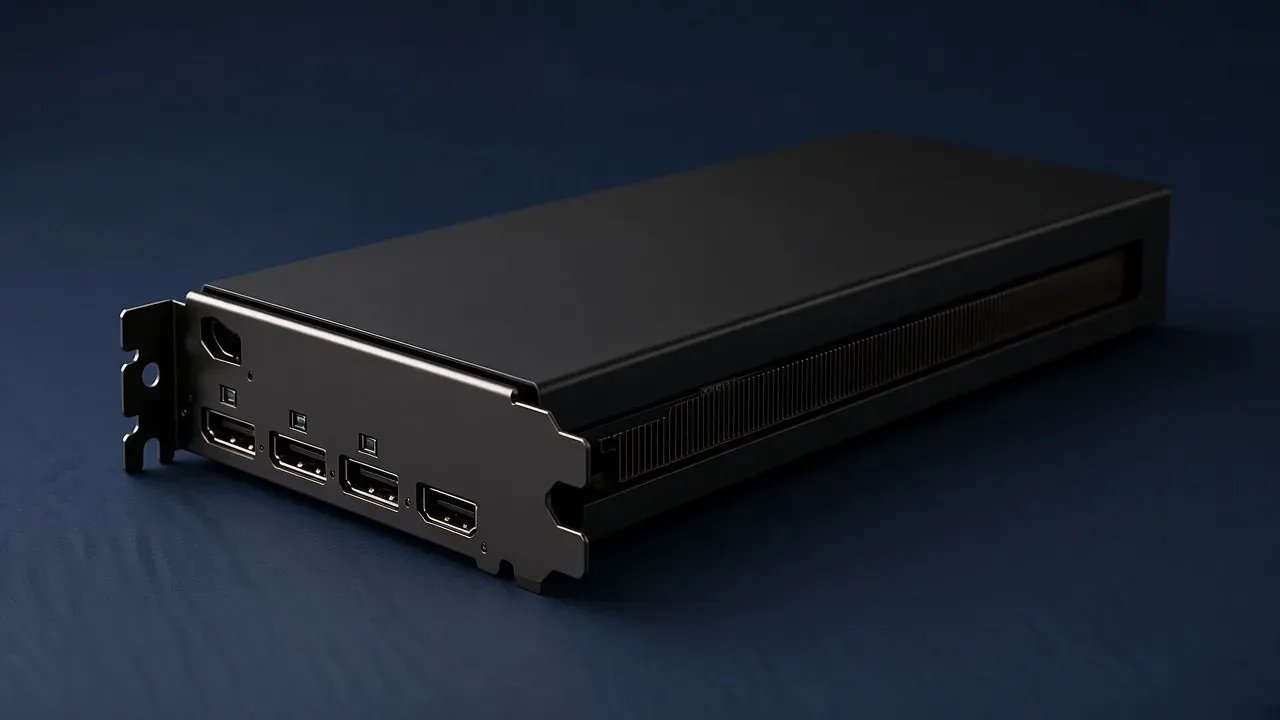
RTX 5090 (2026): specs, price and who should buy it
NVIDIA GeForce RTX 5090 specs for 2026: 32 GB GDDR7, 575 W, from $1999. Who should buy it vs the RTX 5080 I play on.
November 3, 2026 · 4 min read
Guides
What a 1% low FPS is
A 1% low is the slow end of a capture, printed as a frame rate. Some tools average the worst frames. Some take a percentile. Some cut by time.
October 20, 2026 · 11 min read
Gear
What a 1440p 240 Hz monitor is for
A 1440p 240 Hz monitor is 2560 by 1440 and can start up to 240 pictures a second, usually at 27 inches. What your PC holds, and IPS or OLED.
October 20, 2026 · 8 min read
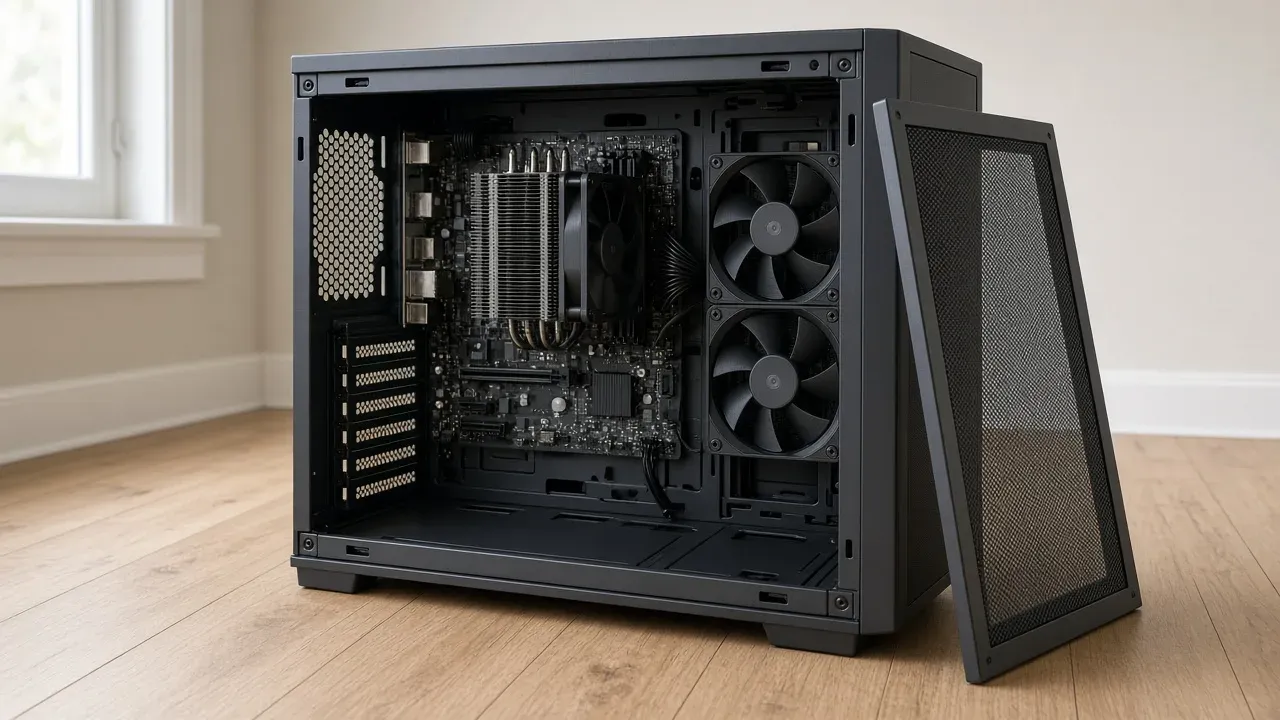
Gear
What gaming PC cooling has to move
Gaming PC cooling is the path heat takes off the chip, off the card, and out of the case. A hot chip that slows down is a slower computer.
October 20, 2026 · 11 min read
Guides
What NVIDIA Reflex changes
NVIDIA Reflex cuts input lag by keeping the CPU in sync with the GPU. The frame rate is a different setting. Here is On vs On + Boost and which cards.
October 20, 2026 · 10 min read
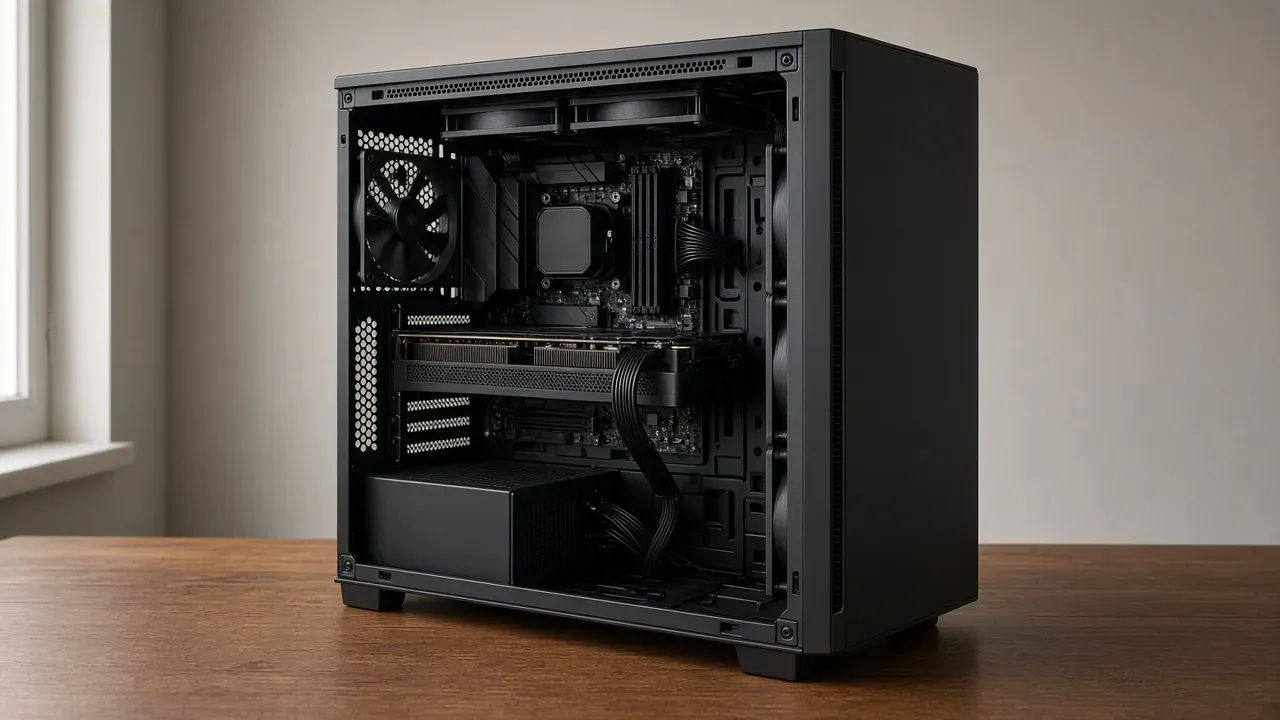
Gear
RTX 5080 gaming PC (2026): the desktop card, 850 W, and the $3,999 Player Three
What an RTX 5080 gaming PC costs in 2026, prebuilt vs custom, and which parts to pair with the card so nothing holds it back.
October 20, 2026 · 4 min read
Gear
When a 4K gaming monitor is worth it
A 4K gaming monitor is worth it when the PC already holds its refresh at 1440p and the desk fits about 32 inches.
October 19, 2026 · 9 min read
Gear
Budget gaming PC (2026): build around an RTX 5060
Build a 1080p gaming PC on a budget in 2026: RTX 5060 and Ryzen 5 7600, where the dollars go, where not to cut corners, and build vs finished.
October 19, 2026 · 4 min read
Gear
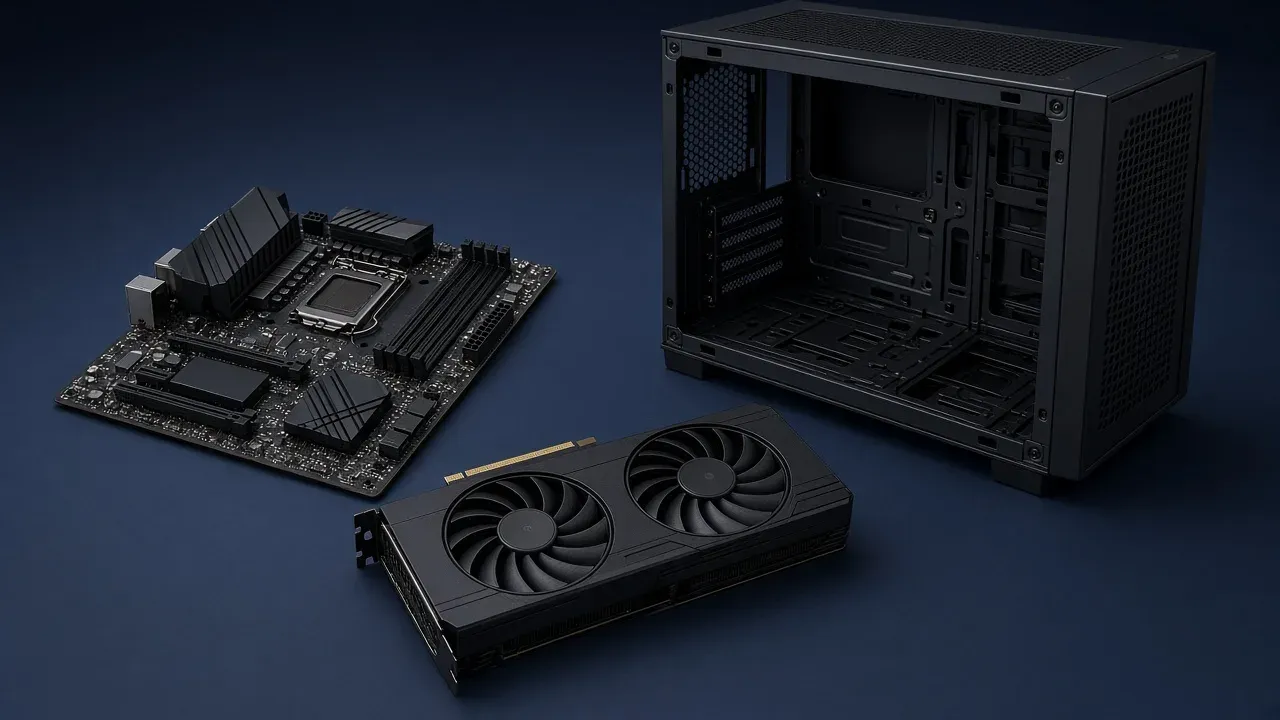
Custom gaming PC (2026): when building beats a $4,000 5080 prebuilt
A 2026 custom-PC guide built around a real RTX 5080 + AMD Ryzen 9 9950X3D2 desktop. Official 5080 specs, the 850 W rule, and a Windows parts checklist.
October 19, 2026 · 6 min read
Guides
How to cap FPS
Cap your FPS to cut heat, fan noise and stutter. How to set a limit in the game, NVIDIA or AMD software, and when to sit just under your refresh rate.
October 19, 2026 · 9 min read
Guides
How to increase FPS
Update your GPU driver, set Windows to Best performance, turn on DLSS, FSR or XeSS at Quality, then lower ray tracing and shadows, one change at a time.
October 19, 2026 · 7 min read
Guides
How to read an FPS counter
An FPS counter counts frames the computer finished in one second. Read it in a busy scene, and read the low as well as the average.
October 19, 2026 · 9 min read
Guides
How to update a GPU driver
A GPU driver is the software Windows uses to talk to the graphics card. On a desktop, install the card maker's package.
October 19, 2026 · 10 min read
Guides
What is DLSS?
DLSS uses AI to render at a lower resolution and upscale it, for more FPS. Here is what its parts do, where to turn it on, and when it helps.
October 19, 2026 · 10 min read
Guides
What is frame generation?
Frame generation inserts a picture between frames the game actually drew. It is not Super Resolution. NVIDIA's version needs an RTX 40 or 50 card.
October 19, 2026 · 10 min read