
Hardware
Based on the makers’ specs and my own testing where I say so.
Wired or wireless for a gaming mouse
A wireless gaming mouse on its USB dongle is the choice when the cable is what you notice. Wired is the choice when charging is the problem.
Updated 5 min readYuval Eizik
- pc
- mouse
This article has affiliate links. If you buy through them, I may earn a small commission at no cost to you. Prices move fast, so check the store for today's price before you buy.
Read the disclosure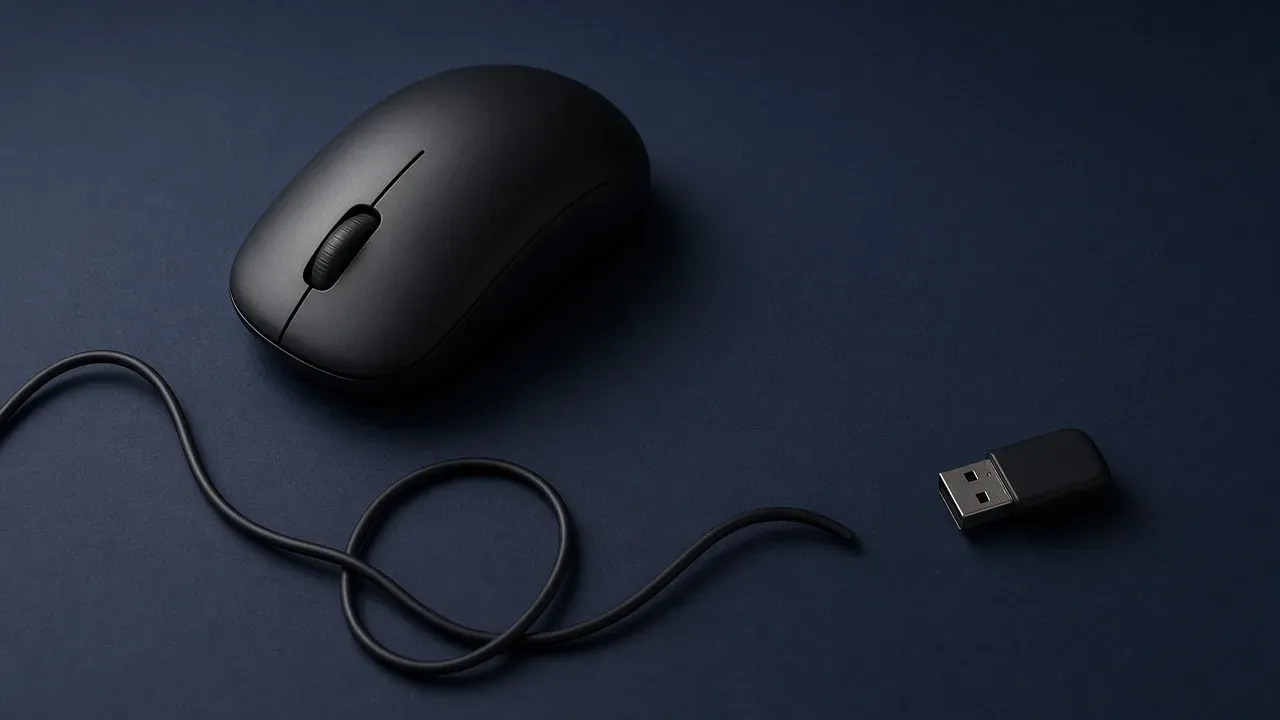
On this page
As an Amazon Associate I earn from qualifying purchases. I earn a small commission from Amazon links, at no cost to you. See disclosure.
Still worried wireless means lag? Let’s clear it up. Wired or wireless is just which link carries the counts from the mouse to the PC. There are three. A cable. A small USB dongle, which is a radio. Bluetooth, which is a different radio. A match uses the cable or the dongle. Bluetooth is for a laptop and a browser.
I aim Overwatch on a Logitech PRO 2 LIGHTSPEED — LIGHTSPEED 2.4 GHz, 1000 Hz on the included receiver, official US price $149.99. WoW is a wired Naga Left-Handed. Two links, two jobs. More mouse guides.
None of the three is a better sensor. The camera under the mouse counts the same trip either way. The shape still decides whether your hand can stay on it. This guide is just about the link.
The specs below come from manufacturer pages.
Examples worth a look
- Wireless I play: PRO 2 LIGHTSPEED. Official: 80 g, HERO 2, LIGHTSPEED + USB-C charge, up to 95 hours with lighting off (Logitech). PRO 2 on Amazon · Logitech G
- Wired I play (WoW): Razer Naga Left-Handed Edition, RZ01-0341. Official: wired Speedflex, 109 g, Focus+ 20,000 DPI. From $99.99 at Razer. Amazon search for RZ01-0341
- Wired workhorse Worth a look: G502 X. Official $79.99, 89 g, HERO 25K. Amazon search for G502 X
- Budget wireless I do not main: G305 LIGHTSPEED. AA cell, 75 g empty / 99 g with the battery. Amazon search for G305
Pick the link
Wired or wireless is which link you play on. A cable, a USB dongle, and Bluetooth are three different connections.
- Use
- The dongle
You already have the connection a match uses. Charge it before a long session. A cable you do not feel is not a reason to buy another mouse.
The result follows what you actually feel. If the cable drags, move to a dongle and play on that dongle at 1000 Hz. If a dead mouse in a ranked game is the failure you will not accept, stay on a cable. If you feel neither, keep the link you have. Bluetooth-only is the one result that is a different product: fine for a browser, wrong for the match.
| Link | What it is for | What it costs | On this desk |
|---|---|---|---|
| Cable | A match, with nothing to charge | Drag, if you feel the wire | Naga Left-Handed (WoW) |
| USB dongle | A match, with no cable | A battery, and a receiver you have to keep | PRO 2 LIGHTSPEED (Overwatch) |
| Bluetooth | A laptop and a browser | Fewer reports, so a match feels late | Not a match |
The cable, the dongle, and Bluetooth
A cable has no battery and no receiver. The mouse cannot die in the third round because you forgot to charge it. The cost is the wire. If it tugs the mouse during a flick, you feel it every time. A loose loop, or a hook that holds the slack off the pad, is the first fix.
My Naga Left-Handed only comes wired, and for WoW that’s fine. The Speedflex cable is Razer’s name for it.
A dongle is the wireless link a match should use. It is a tiny receiver that plugs into USB, and the mouse speaks to that, not to the PC’s Bluetooth. Polling rate on that receiver should be 1000 Hz, which is once a millisecond. The PRO 2 includes that. Higher rates exist — 8 kHz on the PRO 2 needs the separate PRO LIGHTSPEED receiver. They cost battery, and they are optional. Plug the dongle into a port near the mouse, on the front of the PC or on a short extension, rather than into the back of the tower behind a pile of other receivers. Wireless latency is that radio page.
Bluetooth is the third mode, and a lot of mice include it beside the dongle. It is the right link when you are on a couch with a laptop and a tab open. It reports less often. In a match, that lower rate is the delay people are describing when they say wireless feels worse. They are often on Bluetooth. Switch to the dongle before you decide the mouse is slow.
A mouse can carry two of these, or all three. The listing has to say which. “Wireless” alone is not a dongle. If the only radio named is Bluetooth, you do not have the match connection yet.
What the link does not change
The sensor is not an older part because a cable is attached, and it is not a newer part because the box says wireless. It is still a camera aimed at the pad. A flick that breaks on a cloth pad at 800 or 1600 DPI is that camera, on either link. I sit at 1200. DPI.
Weight can change. The battery is mass, so a wireless mouse can be heavier than a cable mouse with the same shell. It can also be light. The PRO 2 is 80 g. The wired Naga is 109 g. Those grams are the shells, not a rule about radios.
A click that doubles is a switch wearing out. That happens on wired and wireless mice. The return window is the protection, not the radio.
Charge a wireless mouse before a long session. A mouse that dies in a ranked game is a worse evening than a cable you find slightly annoying. The PRO 2 charges over USB-C. Logitech prints up to 95 hours with lighting off. That is their number. Some mice let you plug the cable in and keep playing while they charge. That is a useful recovery. It does not turn the mouse into a wired one you can forget about, unless you are willing to leave the cable in.
Enhance pointer precision is still a Windows checkbox on either link.
What the listing has to say
Ignore a “lag-free” badge until the page states these:
- A USB dongle is in the box. Bluetooth by itself is a laptop mouse.
- The polling rate on that dongle is 1000 Hz. A higher rate is a feature, not the requirement.
- The battery figure is for the rate and the lights you will actually leave on.
- Whether you can play while it charges.
- The weight, printed.
- The return window. An hour on the pad tells you if the cable, or the lack of one, was the thing you wanted.
- Today’s price. Confirm the listing.
If your current cable never tugs and the shape is right, another mouse is a want. If the wire is the fight, replace it with a dongle mouse and play on the dongle. If the battery is the fight, replace it with a cable. In both cases the next shell is still the one your hand can stay on. More mouse guides.
Common questions
Is a wireless gaming mouse worse than wired?
No. A modern wireless mouse on its USB dongle at 1000 Hz is just as responsive as a wired one for nearly everyone. I play on a Logitech PRO 2 LIGHTSPEED wireless. Go wired only if you hate charging.
Should I use Bluetooth for a gaming mouse?
No, not for games. Bluetooth reports less often than a 2.4 GHz dongle, which adds delay. Use the dongle for gaming and Bluetooth for laptops or browsing.
Does a wireless mouse have noticeable input lag?
Not on a good 2.4 GHz dongle at 1000 Hz. On Bluetooth, yes, you might feel it. If you can't tell the difference from a wired mouse in a game you know well, the connection isn't holding you back.
Do wired mice have better sensors?
No. Wired and wireless mice often use the same sensors. The shape and sensor matter far more than whether there's a cable.
What should I look for in a wireless gaming mouse?
A 2.4 GHz USB dongle, a 1000 Hz polling rate, solid battery life at that rate, and a listed weight. Also check that you can keep playing while it charges.
When is a wired gaming mouse the better choice?
When you never want to worry about charging, or the cable doesn't bother you. Wired mice are also often cheaper. For WoW I still use a wired Razer Naga Left-Handed.
Keep reading
Hardware
Best gaming mouse (2026): the buyer's guide I actually use
A 2026 gaming-mouse guide with quick picks, a spec table, and a left-handed section. I main the Logitech PRO 2 LIGHTSPEED at 1200 DPI.
October 20, 2026 · 8 min read
Hardware
What to look for in a gaming mouse for FPS
What actually matters in an FPS mouse, from someone who plays Zarya at Master on a PRO 2 LIGHTSPEED.
October 20, 2026 · 10 min read
Hardware
What gaming mouse skates are
Mouse feeling scratchy? When to replace your skates, PTFE vs glass, and how to fit them.
October 20, 2026 · 9 min read
Hardware
Best left-handed gaming mouse: the two I actually use
A left-handed player's picks, tested in my own hand. Logitech PRO 2 LIGHTSPEED for aiming, Razer Naga Left-Handed for MMOs, plus honest alternatives.
October 20, 2026 · 7 min read