Hardware
How to choose the best gaming mouse
The best gaming mouse is the shape your hand can stay on. Compare grip, wireless versus wired, and why the highest DPI is not the reason to buy.
Updated 5 min readYuval Eizik
- pc
- mouse
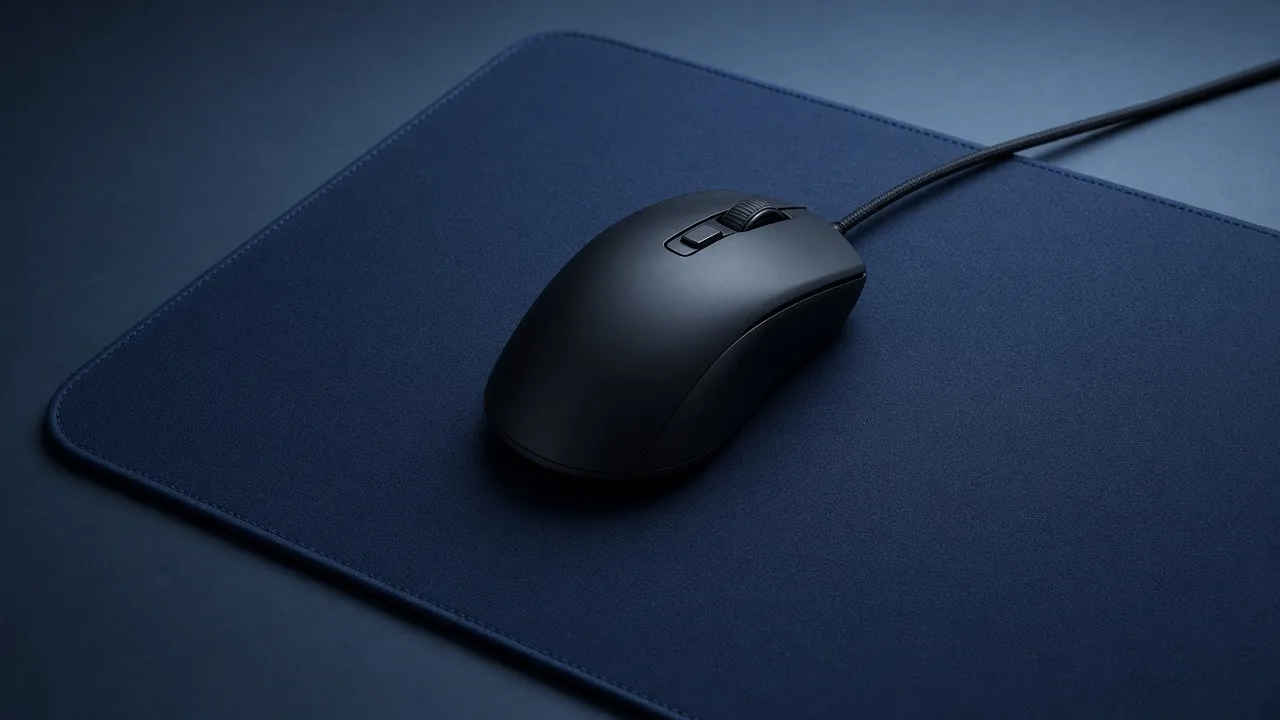
The best gaming mouse is not the lightest one in a 2026 roundup, and it is not the one with the largest DPI on the box. It is the shell your hand can stay on for a whole session. Two mice with the same sensor feel like different animals if one fills your palm and the other only meets your fingertips.
Labs that weigh mice will keep naming a new winner. Prices move, shapes do not. Use this page to filter a listing. If the shortlist is already Logitech, the names are a smaller set of shapes. Use the checklist when you want the spec words decoded. The sensor, in a mouse sold as a gaming mouse today, is rarely the reason to reject it.
Grip picks the shape
Watch your hand on the mouse you have now.
| Grip | What touches the mouse | What to look for |
|---|---|---|
| Palm | The whole palm rests on the shell | A taller back, often an ergonomic shape |
| Claw | Fingers arched, palm on the rear | A medium hump, not the longest mouse |
| Fingertip | Only the fingers | Smaller and lower, so the palm stays off |
A right-handed ergonomic mouse swells under the right palm and puts the side buttons on the left of the shell, under the right thumb. That is a good shape for a lot of right hands. It is the wrong shape for a left hand. If you play left-handed, start with a symmetrical mouse or a real left-handed shell, not a right-handed hump turned around.
If you have never named your grip, do not guess from a photo and then keep a bad mouse. Buy from a shop that takes a return. The first hour of use is the test. A hump that makes you pinch will still make you pinch after you learn the software.
Wireless is the normal choice now
A wireless gaming mouse used to be the heavier, later option. In 2026 the normal competitive mouse is wireless, light, and connected with a small USB dongle. That dongle is the connection to use in a match. Bluetooth is for a laptop and a browser. It reports less often, and you can feel the difference when the crosshair should stop.
Wired is still a fair buy. There is no battery to forget, and the sensor is not an older one just because a cable is attached. Choose wired when charging annoys you. Choose wireless when the cable is what you notice. Either way, the shape outranks the wire.
A few checks on a wireless listing:
- It includes a dongle, not only Bluetooth.
- The polling rate on that dongle is at least 1000 Hz. That means the mouse reports 1000 times a second. 4000 Hz and 8000 Hz exist. They cost battery, and sometimes they cost a little processor time. Start at 1000 Hz. Raise it only after the shape is settled and you can tell the difference in your own game.
- The battery life is quoted for the mode you will actually use. A number measured with the lights off and the polling low is not the number you will get on a Saturday queue.
Charge it before a long session. A mouse that dies in a ranked game is a worse problem than a cable you do not like.
The numbers that do not pick the winner
DPI is a speed setting. What the number counts is counts per inch, and a bigger one is not a better sensor. A current gaming sensor tracks cleanly at the 800 or 1600 you will actually leave it on. The 25,000 figure is for the box.
Weight is the number people use as a shortcut for “best.” Lighter can help a long shooter session. It can also feel nervous if the shape is wrong, or if you were used to a heavier mouse and you changed nothing else. Do not buy the lightest mouse on the page and also change DPI in the same week. You will not know which one you hate.
The mouse pad is part of the same choice, and it is a different product. A cloth pad is the usual surface. It gives the sensor a texture and your arm a place to stop. A pad that is too small makes every sensitivity feel slow, because you lift and reset in the middle of a turn. Buy the mouse first. If one swipe cannot finish the turn, the pad is the next purchase, not a new sensor.
Clicks are the other feel. Some mice develop a double click, where one press sends two. You cannot see that on a spec sheet. The return window is the protection. Optical switches are sold as the fix. They can be. They are not a reason to keep a shape you dislike.
Side buttons, and the games that need them
A shooter wants a clean shell. Two side buttons are enough for a melee key and a push-to-talk, or whatever you already use. A grid of twelve buttons is for a game where the thumb is doing ability work. That mouse will be heavier and taller. That is the trade, and it is worth it when you use the buttons. It is dead weight when you do not.
The buttons have to sit where the thumb already is. If you slide your hand to reach them, they will be misclicks. This is another reason to return a mouse quickly, before the listing’s review score talks you into adapting.
Pick from the hand you have
The best mouse is the one your hand can stay on. Answer the four questions and use the list as a filter, not as a model name.
The list changes with the hand, the grip, and the games. It will not name a model. Stock and prices change faster than a shape does. When you have the filter, aim practice only helps if the mouse and the sensitivity stay the ones you use in the match.
The keyboard is a separate budget. A board under $100 should leave this mouse a clear rectangle. A combo box that includes both usually spends the savings on a mouse you will replace. Buy the pair as two listings unless the box is cheaper than those two and the mouse is a shape you would have chosen alone.
Before you pay
On the listing, confirm the shape in a photo that shows the side, not only the logo. Confirm the hand it was built for. Confirm dongle or cable. Set the DPI after it arrives, delete the extra steps, and play the same game you already know. If the hand is fighting the shell, send it back. The next mouse is a shape change, not a hunt for a higher number on the box.
Common questions
What is the best gaming mouse?
The one that fits your grip and your hand. A palm grip wants a taller shell. Claw and fingertip want less mouse under the palm. If you cannot try it, buy from a shop that accepts a return. A higher DPI number does not make a mouse better.
What is the best wireless gaming mouse?
A current wireless gaming mouse with a USB dongle is good enough for competitive games. Use the dongle, not Bluetooth, when you play. Start at 1000 Hz. The best one is still the shape that fits, not the lightest listing on the page.
Is a wireless gaming mouse worse than wired?
Not in the way it was years ago. A dongle connection on a current gaming mouse is fine for shooters. Wired still wins if you do not want to charge a battery. Bluetooth is the slower option, so leave that for the desk, not the match.
What is the best gaming mouse in 2026?
The buying rule in 2026 is the same one that mattered before the weights dropped. Fit the hand, then pick wireless with a dongle or a cable you will accept. Flagship sensors are close enough that the shape is the difference you will feel.
Does a higher DPI mean a better gaming mouse?
No. DPI is a speed setting. A mouse advertised at 25,000 DPI is not a better sensor than one you leave at 800. Set a modest DPI and change in-game sensitivity.
How do I choose a gaming mouse for my grip?
If your whole palm rests on the mouse, get a taller shell. If only your fingers touch, get a smaller, lower one. If you have not noticed, buy a medium symmetrical mouse you can return.
Keep reading
Hardware
When a 4K gaming monitor is worth it
A 4K gaming monitor is worth it when the PC already holds its refresh rate and the desk fits about 32 inches. Competitive games usually belong at 1440p.
October 19, 2026 · 5 min read
Hardware
Where a budget gaming PC should spend its money
A budget gaming PC should spend most of its money on a named graphics card for the resolution you play. A glass case and a huge processor do not add frames.
October 19, 2026 · 4 min read
Hardware
What the best gaming keyboard actually is
The best gaming keyboard is the layout your desk can hold and the switch your fingers accept. A 2026 chart names whatever is in stock. Extra money buys one feature you can point to.
October 19, 2026 · 4 min read