Hardware
How to buy a gaming keyboard and mouse
Buy a gaming keyboard and mouse as two choices that share a desk. Split the budget, then take a bundle only when it is cheaper than those two listings.
Updated 4 min readYuval Eizik
- pc
- keyboard
- mouse
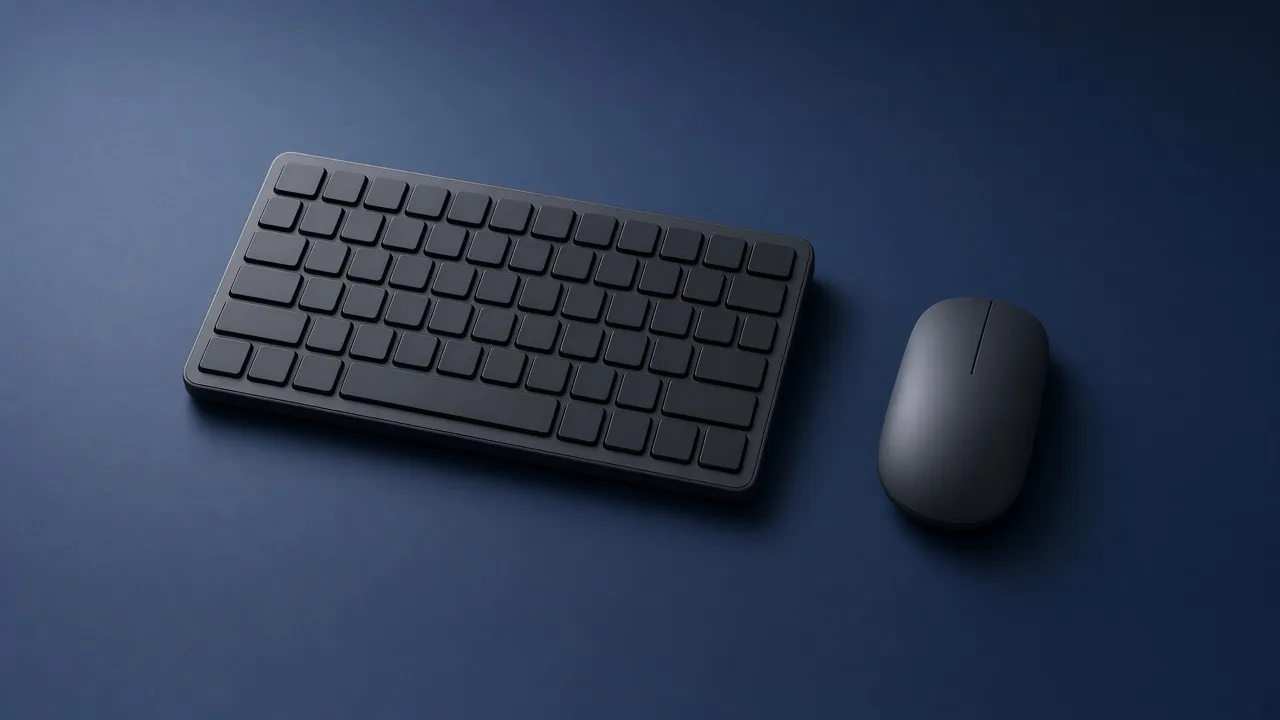
A gaming keyboard and a gaming mouse are two tools that happen to sit on the same desk. Shops sell them as a set because one picture is easier than two decisions. The set is the right buy only when each half is something you would have picked alone, and the box costs less than those two listings added together.
The keyboard decision is layout and switch, which is what $100 should include and still applies when you spend more. The mouse decision is the hand and the grip, in how to choose one. This page is only about spending on both at once.
Split the money by what you notice
If a bad mouse bothers you in a shooter, the mouse gets more of the budget. If a bad keyboard bothers you because you type, or because you need a number pad, the keyboard gets more. If you cannot say which one you notice, split the money in half and then move it when you see real prices.
The numbers below are a split, not a law. Round them. A $150 budget aimed at the mouse is about $90 and $60. It is not a claim that $91 is correct and $89 is wrong.
A pair is two purchases that share a desk. Split the budget by what you will notice, then check whether a bundle is actually cheaper.
- Mouse
- $90
- Keyboard
- $60
Put more of a $150 budget on the mouse. The keyboard still has to be one you can type on.
Under $100 the trap is the combo box. It often arrives as a membrane keyboard and a mouse you will replace, on one cable, with lights. That can be fine for a second computer. It is a poor way to spend the only $100 you have for the desk you play on. Buy the piece you will feel, and keep the other one plain until you can replace it on purpose.
A bundle has to beat two prices
Write down three numbers from the shop, today. The mouse you would actually buy. The keyboard you would actually buy. The bundle. If the bundle is not cheaper, it is not a deal. It is a picture of two products.
Even a cheaper bundle fails when the mouse is a right-handed hump and you needed a left-handed shape, or when the keyboard is full-size and your mouse has no lane. You cannot return half of some bundles without returning the set. Separate orders let you send back the one that does not fit.
One brand is not a feature. Logitech’s mice are a few shells, sorted in which Logitech shape to buy. Their keyboard does not have to match. A matching logo does not change the hump or the switch.
One dongle is a real convenience. It is also the reason cheap sets exist: one receiver, two ordinary devices. Use a dongle or a cable when you play. Bluetooth is the slow connection on both a mouse and a keyboard. Do not pick a bundle because it says wireless, and then play on Bluetooth.
What each half still has to be
The pair does not get a lower standard because it was photographed together.
The mouse needs a shape for your hand, a dongle or a cable for games, and a DPI you set yourself. The number printed on a combo box is not quality. DPI is speed. Start at 800 or 1600 after it arrives, same as any other mouse. If the listing will not show the side of the shell, you cannot tell whether it is flat, humped, or too small.
The keyboard needs a layout you have room for, and a feel named linear, tactile, or clicky. A current mechanical board reports keys at 1000 Hz and does not drop a handful of keys held at once. A page that brags about “26-key anti-ghosting” is describing a limit. Rapid trigger is a different product: the listing has to say Hall effect or magnetic. “Fast” on a membrane set is not that.
If the two pieces are wireless, check the connection you will use in a match. A dongle is the one for games. Bluetooth is the one for typing on the couch. A set that only offers Bluetooth has saved you a cable and cost you response.
They still have to share the desk
The keyboard’s width is the mouse’s lost space. A full-size board with a number pad pushes the mouse toward the edge. A shorter board gives the swipe back. If you are buying both today, choose the keyboard layout before you choose a huge mouse pad, because the pad cannot invent room the keyboard already took. The pad only has to fit one turn after the board is in its place. The desk is the same problem from the chair: shoulders down, mouse close, no reach.
Buy the mouse from a shop that takes a return. Shape is the part you learn in the first hour. The keyboard can wait a day if the budget was tight. A set that forces you to keep both is how a wrong mouse stays on the desk.
What you can skip
RGB that syncs across the pair is decoration. Software that sets both DPI and key lights is useful once, then it can stay closed. A wrist rest in the keyboard box is a piece of plastic until you know your wrists wanted it. None of these are a reason to take a worse mouse or a membrane board.
If you already own one of the two and it fits, do not replace it to match the new one. Spend the whole budget on the piece that is wrong. A good mouse beside an old keyboard is a finished desk. A matching pair that fits neither hand is not.
Common questions
Should I buy a gaming keyboard and mouse together?
Only when the bundle is cheaper than the same two pieces bought separately, and both pieces are shapes you would have chosen alone. A box that merely matches the lights is not a reason. Under $100, that box is often a membrane keyboard and a basic mouse.
How much should I spend on a keyboard versus a mouse?
If you notice aim, put about 60 percent on the mouse and 40 percent on the keyboard. If you notice typing and extra keys, reverse that. If you notice both, split the budget in half and then move money toward the listing you would actually keep.
Is a matching keyboard and mouse better?
Matching software and one color do not make either piece fit. The mouse has to fit your hand. The keyboard has to be a layout you use. Buy those, even if they are different brands.
One dongle or two cables?
One receiver is convenient. It is not a better sensor or a better switch. Use a dongle or a cable for games. Bluetooth is the slow connection, on a mouse or on a keyboard.
What if I only have $100 for both?
Buy them separately unless you have checked the prices. A combo at that budget usually spends the money on one plug and membrane keys. Put what you must on the piece you will feel every minute, and keep the other one simple.
Do the keyboard and mouse need the same brand?
No. Brands matter when you already like one shape, such as a Logitech mouse shell. They do not matter as a pair. A keyboard from one company and a mouse from another is a normal desk.
Keep reading
Hardware
When a 4K gaming monitor is worth it
A 4K gaming monitor is worth it when the PC already holds its refresh rate and the desk fits about 32 inches. Competitive games usually belong at 1440p.
October 19, 2026 · 5 min read
Hardware
Where a budget gaming PC should spend its money
A budget gaming PC should spend most of its money on a named graphics card for the resolution you play. A glass case and a huge processor do not add frames.
October 19, 2026 · 4 min read
Hardware
What the best gaming keyboard actually is
The best gaming keyboard is the layout your desk can hold and the switch your fingers accept. A 2026 chart names whatever is in stock. Extra money buys one feature you can point to.
October 19, 2026 · 4 min read