Hardware
What DPI means on a mouse
Mouse DPI is how many counts the sensor reports per inch. Calculate eDPI, see why a higher number is not better, and check the setting you are actually using.
Updated 6 min readYuval Eizik
- pc
- dpi
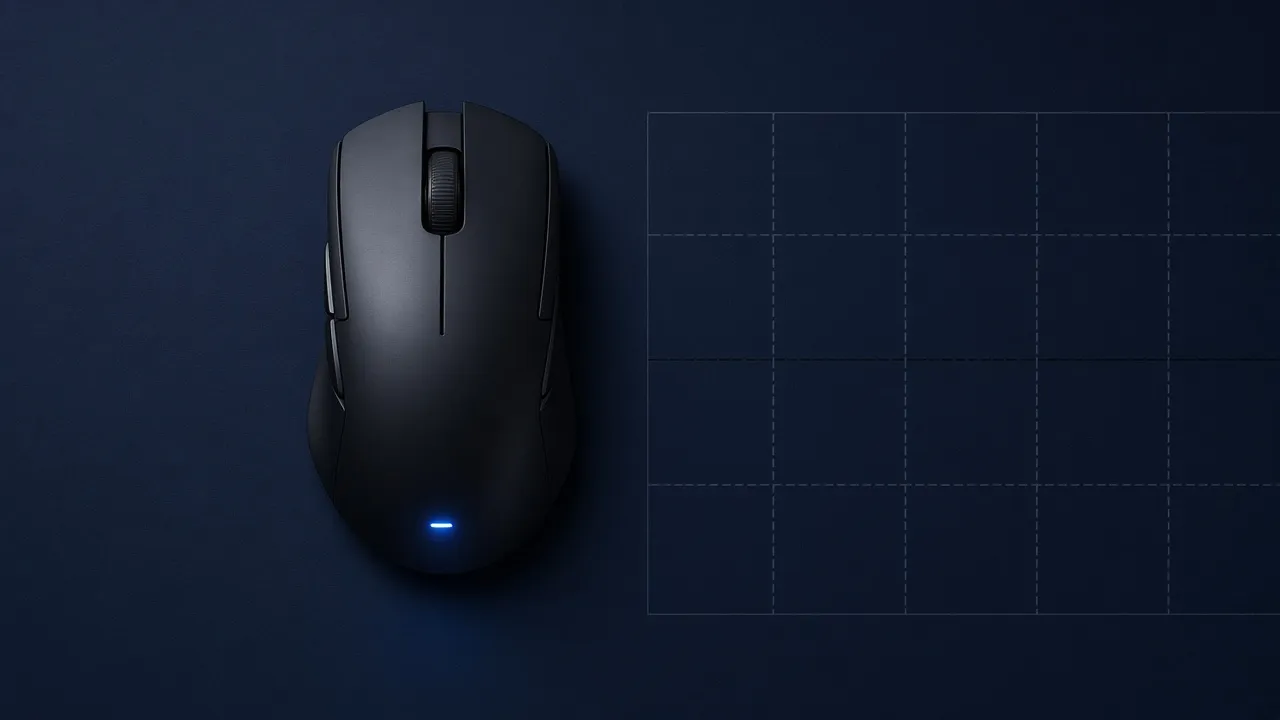
Mouse DPI is how many counts the sensor reports when you move the mouse one inch. At 800 DPI, that inch sends about 800 counts. The cursor, or the crosshair, travels farther when the number is higher, before the game multiplies it.
The number on the box is not a grade. A mouse advertised at 25,000 DPI can feel worse in a match than one you leave at 800, because the setting you can stop matters more than the setting you can reach. Choosing the mouse is the shape and the grip, not this number.
What the number counts
The sensor under the mouse is a small camera. It takes pictures of the pad and compares them to see which way you moved. DPI tells that sensor how finely to report the trip. At 800 DPI, each count is about 1/800th of an inch. At 1600 DPI, each count is about 1/1600th of an inch. More counts per inch means a shorter hand movement covers the same screen distance.
On a default Windows pointer speed, with Enhance pointer precision off, those counts often line up with pixels. Slide an 800 DPI mouse one inch and the cursor moves about 800 pixels. That tidy story breaks as soon as pointer speed, acceleration, or an in-game slider gets involved. The sensor still sent 800 counts. Something else multiplied them.
DPI and CPI are the same count
Some spec sheets say CPI, counts per inch, instead of DPI, dots per inch. Dots per inch is printer language. A mouse does not place dots. It counts. CPI is the stricter name, and the number is the same one. A sheet that says 26,000 CPI is claiming 26,000 DPI. Use whichever word the software shows, and do not add the two together.
DPI is not in-game sensitivity
DPI lives in the mouse. Sensitivity lives in the game, or in Windows. Sensitivity is a multiplier on top of the counts. A sensitivity of 2 doubles the distance. A sensitivity of 0.5 cuts it in half.
The same crosshair speed can come from different pairs. These three setups move the crosshair the same distance in a game that treats sensitivity as a plain multiplier:
| DPI | In-game sensitivity | eDPI | |
|---|---|---|---|
| Slow DPI, high sensitivity | 400 | 2 | 800 |
| Middle | 800 | 1 | 800 |
| Fast DPI, low sensitivity | 1600 | 0.5 | 800 |
eDPI is the product: mouse DPI times in-game sensitivity. It is the number that describes speed inside one game. It does not travel. Overwatch, Valorant, and a desktop cursor do not share a sensitivity scale, so an eDPI you liked in one place is not a setting you paste into another.
Change one knob at a time. If you raise DPI and leave the game sensitivity alone, your aim gets faster and the mouse feels like it got worse. Lower the in-game sensitivity until a swipe on the pad ends where it used to.
DPI calculator
Same hand speed, two numbers. DPI times in-game sensitivity is eDPI. Change one, and the other has to move if you want the crosshair to travel the same distance.
- eDPI
- 280
- Sensitivity at the new DPI
- 0.175
800 × 0.35 = 280. At 1600 DPI, sensitivity 0.175 keeps that speed.
The estimate uses cursor pixels. Set Windows pointer speed to the middle and turn off Enhance pointer precision, or the number is cursor speed, not the sensor setting.
Windows has a third knob. The pointer-speed slider and the checkbox named Enhance pointer precision sit between the mouse and the desktop cursor. Enhance pointer precision is acceleration: a fast swipe goes farther than a slow swipe of the same length. Turn it off if you want the same movement every time. Test the result in the game you play, not only on the desktop. Many games read the mouse directly and ignore that checkbox. The desktop will not.
How to check the DPI that is on now
The spec sheet tells you the maximum and the steps the mouse shipped with. It does not tell you which step is active. The maker’s software does. Logitech G HUB, Razer Synapse, and SteelSeries GG are examples of the app that stores the steps. Open it and read the highlighted number before you trust a button.
A DPI button cycles those saved steps. It does not invent a new number, and the light color is not a universal code. The manual for that model is the color chart. If you never installed the software, the mouse is probably still on its factory step, which is often 800 or 1600, not the biggest number on the box.
The estimator on this page is the third check. Put a ruler on the pad, set the distance, and slide with the sensor over the marks, not the nose of the mouse. A 10 cm slide is 3.94 inches. If the cursor moves about 3,150 pixels on that slide, 3,150 divided by 3.94 is about 800 DPI. One crooked slide is a guess. The tool is an estimate from cursor pixels, so leave pointer speed in the middle and acceleration off, or you measured Windows, not the sensor.
How to change it
Set one or two steps in the software and delete the rest. A row of six speeds is how a bumped button ruins a match. Write the number down. When aim feels off a month later, you can see whether the setting changed or the session did.
If you move from 800 to 1600 because the desktop cursor feels slow on a large monitor, cut the in-game sensitivity in half. The calculator above does that division. The desktop gets the quicker cursor. The crosshair keeps the old speed.
Shape, weight, and the sensor are still separate from this number. A shell that fights your hand will feel wrong at every DPI. A left-handed grip fails because the hump is on the wrong side, not because the count was 800 instead of 1600.
A higher number is not a better sensor
The highest DPI a mouse can report is a marketing line. Current gaming sensors track cleanly through the range people actually play. You do not get a clearer picture of the pad by selecting 12,000. You get a cursor that crosses a 1440p monitor in a flick, which is useful on the desktop and sloppy in a shooter unless sensitivity is turned down to match.
Very low DPI has a cost too. A 400 DPI setting needs a larger pad if you still want to turn all the way around. If you are lifting the mouse twice to do that turn, the setting is slower than your space, or the pad is shorter than the swipe. Raise DPI a step, or raise in-game sensitivity, until one swipe does the turn you need.
Polling rate is the other number companies print next to DPI. It is how often the mouse reports, such as 1000 times a second, not how far the cursor moves. Leave it alone while you learn DPI. Mixing both changes at once makes it impossible to tell which one you felt.
A number to start from
400, 800, and 1600 are common starting points. Pick one. Use it on the desktop and in the game so your hand is not learning two speeds. Then set the game so a comfortable swipe on your pad turns you about as far as you want in a fight. That second step is the whole job. The first number only has to be one you will not bump.
Stay there while you practice. Aim training only transfers when the sensitivity in the drill is the sensitivity in the match. Chasing a new DPI every week resets that work.
If a swipe cannot stop on a target, the setting is too fast. Lower the in-game sensitivity first. Drop DPI only when the in-game slider is already near the bottom and the crosshair is still too quick.
Common questions
What is DPI on a mouse?
DPI is how many counts the sensor reports when the mouse moves one inch. At 800 DPI, one inch of hand movement sends about 800 counts. In-game sensitivity then multiplies those counts.
What does mouse DPI mean?
The letters stand for dots per inch. Counts per inch, or CPI, is the same measurement. A mouse does not print dots. It counts movement.
Is a higher mouse DPI better?
No. A higher DPI moves the cursor farther for the same swipe. It does not make the sensor more accurate. Headline numbers above 10,000 are a spec for the box, not a setting most people should play on.
What is eDPI?
eDPI is mouse DPI multiplied by in-game sensitivity. Two players with the same eDPI in the same game move the crosshair at the same speed, even if their DPI numbers differ. eDPI does not transfer from one game to another, because games scale sensitivity differently.
What DPI should I use?
400, 800, and 1600 are common starting points. Pick one and set in-game sensitivity so a comfortable swipe turns you as far as you want. If you raise DPI, lower the in-game sensitivity so your aim does not get faster by accident.
How do I check my mouse DPI?
The maker's software shows the saved steps. A DPI button only cycles those steps. You can also slide the mouse along a ruler and estimate from cursor movement, after Windows pointer speed is in the middle and Enhance pointer precision is off.
How do I change mouse DPI?
Open the mouse software and set one or two steps. If the mouse has a DPI button, it cycles the steps you saved. Delete the extra steps so a misclick cannot jump you to a speed you never practice.
Keep reading
Hardware
When a 4K gaming monitor is worth it
A 4K gaming monitor is worth it when the PC already holds its refresh rate and the desk fits about 32 inches. Competitive games usually belong at 1440p.
October 19, 2026 · 5 min read
Hardware
Where a budget gaming PC should spend its money
A budget gaming PC should spend most of its money on a named graphics card for the resolution you play. A glass case and a huge processor do not add frames.
October 19, 2026 · 4 min read
Hardware
What the best gaming keyboard actually is
The best gaming keyboard is the layout your desk can hold and the switch your fingers accept. A 2026 chart names whatever is in stock. Extra money buys one feature you can point to.
October 19, 2026 · 4 min read