
Guides
I own this gear and use it every day.
My Create Aeronautics modpack: the modded survival server I actually play
The NeoForge 1.21.1 modpack I play with friends. Create Aeronautics airships, RPG mods, new biomes, bosses, and how to install it from Modrinth.
Updated 7 min readYuval Eizik
- minecraft
- mods
- modpack
On this page
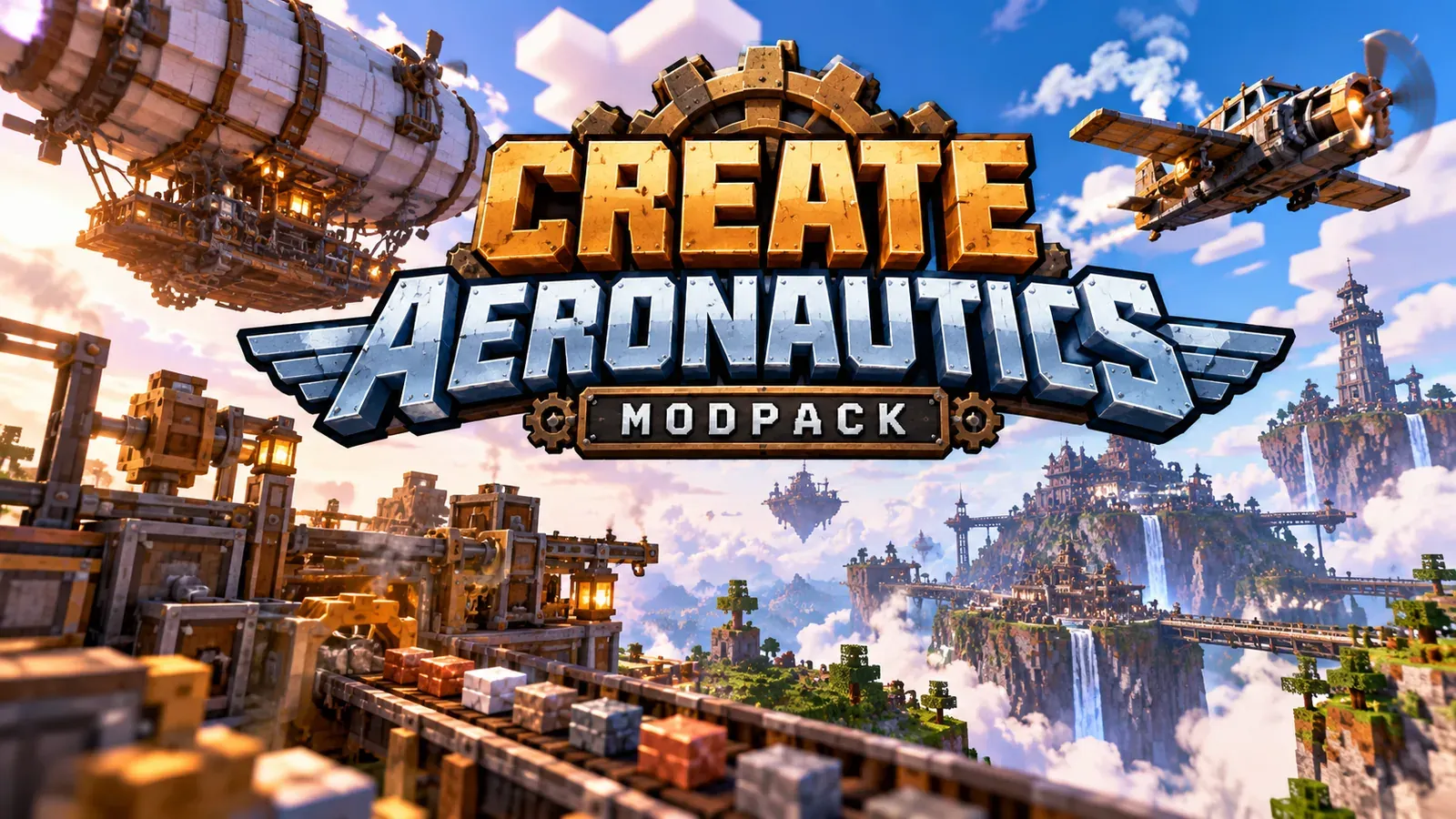
I play a lot of Minecraft, and almost never vanilla. My favourite way to play is a modded survival server with friends, built around Create Aeronautics plus a stack of RPG mods. The idea is simple: keep survival at the centre, but add more of everything. More biomes, more items, more bosses, more structures to find, and airships to travel between them.
This is the pack we play right now, why each part is there, and how to set it up yourself.
The basics
- Minecraft: 1.21.1
- Loader: NeoForge
- Launcher: Modrinth App (we share the instance through a Modrinth invite link)
- Style: survival with Create engineering, RPG progression and exploration
Why Create Aeronautics is the centre of the pack
Create Aeronautics is an add-on for Create that lets you build real working vehicles: planes, drones, hot-air balloons, cars and trucks. It’s built in three parts:
- Simulated: the core, which handles assembly, redstone parts and the tools for working with moving contraptions.
- Aeronautics: flying machines powered by hot air, propellers and floating rocks.
- Offroad: lets you turn almost anything wheel-shaped into a land vehicle.
On a survival server this changes everything. Instead of walking or flying with elytra, you build an airship and go exploring with your friends on board. Mixed with the exploration mods, it gives you a reason to actually travel.
It needs Create and Sable to run. As of this writing, the latest version is 1.3.2 for 1.21.1 NeoForge.
The RPG and exploration side
The rest of the pack is about making survival richer:
- New biomes, so the world is worth exploring
- New items and gear for longer progression
- Bosses to give you goals beyond “build a base”
- New structures to find while flying around in your airship
What’s in the pack
The instance has 171 files: 164 mods, 6 shader packs (Complementary Reimagined and Unbound, Fantasy Shaders Reimagined and Unbound, Photon, Solas) and 1 resource pack (Faithful 64x). Everything runs on Minecraft 1.21.1, NeoForge. Versions below are the ones we play on.
The 20 mods that define it
Create and Aeronautics tech
- Create 6.0.10: the base of the whole pack. Mechanical power, contraptions and automation that look good while they work.
- Create Aeronautics 1.3.2: build airships, planes, balloons and cars that actually move. Needs Sable 2.0.6.
- Create Big Cannons 5.11.7: build big working cannons. Put them on an airship and you have a warship.
- Create: Steam ‘n’ Rails 0.3.0 beta 2: more depth for Create’s trains and steam.
- Create: New Age 1.2.0 and Create: Diesel Generators 1.3.15: electricity, and diesel engines that run on crude oil.
- Create: Enchantment Industry 2.5.4: automatic enchanting with Create machines.
RPG classes and combat
- Wizards 3.1.2, Paladins & Priests 3.1.1 and Rogues & Warriors 3.1.1: the RPG Series classes. Arcane, fire and frost magic, healing and protection, and martial skills. Archers, Bards and Elemental Wizards are in the pack too.
- Iron’s Spells ’n Spellbooks 3.16.3: a classic RPG spellcasting system with schools of magic and spellbooks.
- Better Combat 2.4.0: Minecraft Dungeons-style melee, with combos and weapon-specific attacks.
- Apotheosis 8.8.0: overhauls progression with stronger enchanting, gear affixes and tougher, more rewarding mobs. It comes with its Apothic Attributes, Enchanting and Spawners modules.
- Silent Gear 4.2.1.1: tools, weapons and armour you build and upgrade from parts.
- Artifacts 13.2.5: treasure items you find while exploring.
Mobs and bosses
- Mowzie’s Mobs 1.8.2: handcrafted creatures and bosses with great animations.
- Born in Chaos 1.7.6: lots of aggressive mobs with their own abilities, which makes survival harder.
- The Bumblezone 7.16.1: a whole bee dimension, and the bees get very angry if you take their honey.
World and structures
- When Dungeons Arise 2.1.68: huge roguelike dungeons and structures, perfect to spot from an airship.
- Regions Unexplored 0.6.2: a stack of new biomes in the Overworld and the Nether.
- Lootr 1.11.38: every player gets their own loot from each chest, which is a must on a server.
- YUNG’s mods: redesigned caves, dungeons, mineshafts, strongholds, desert and jungle temples, Nether fortresses, the End island and witch huts. All 9 are in.
Everything else, by category
- More Create add-ons: Create Propulsion 1.1.5, Create Crafts & Additions 1.7.1, Create Encased, Create Jetpack, Create Connected, Copycats+, Design n Decor, Dreams & Desires, Create Dragons Plus, Extra Recipes, Flight Control, Gunsmithing, Power Loader, Ultimate Factory, Aeroworks, Aero Encased Pipe, Create Advanced Optimization.
- More RPG: Archers and Archers Expansion, Bards, Elemental Wizards, Runes, Critical Strike, Combat Numbers, two skill tree mods (Pufferfish’s Skills and an RPG Series skill tree), Corpse (with a Curios compat patch).
- Quality of life: JEI, Jade, AppleSkin, Enchantment Descriptions, Mouse Tweaks, InvMove, Controlling, Searchables, Polymorph, Carry On, Construction Sticks, VeinMiner, Tree Harvester, Right Click Harvest, Clumps, Stackable Potions, Trade Cycling, Villager Names, Waystones, Explorer’s Compass, Nature’s Compass, Just Zoom, Freecam, Fullbright toggle, Not Enough Animations, Icarus.
- Storage: Sophisticated Backpacks and Sophisticated Storage, Storage Drawers, Tom’s Simple Storage.
- Building and decoration: Supplementaries, WorldEdit, Forgematica, Farmer’s Delight (food).
- Server and social: Simple Voice Chat, Open Parties and Claims, Easy NPC, Elite Holograms, Spudacious Shops, Essentials.
- Maps: Xaero’s Minimap 26.5.0 and Xaero’s World Map 1.46.0.
- Performance: Sodium (with Reese’s Sodium Options), ModernFix, FerriteCore, ImmediatelyFast, Entity Culling, ServerCore, spark.
- Visuals: Iris, plus 6 shader packs and Faithful 64x.
Required libraries (you don’t pick these, the mods need them): Architectury, Balm, Bookshelf, Cloth Config, Collective, Common Networking, Curios, GeckoLib, AzureLib, Kotlin for Forge, KotlinLangForge, Moonlight, Placebo, Patchouli, Puzzles Lib, Resourceful Lib and Resourceful Config, Prickle, Konkrete, Silent Lib, Iron’s Lib, YUNG’s API, Spell Engine, Spell Power, More RPG Library, Player Animation Lib, Caelus, Lithostitched, Sparkweave, Ritchie’s Projectile Lib, Lionfish API, BlueLib, Jamlib, Mezz Config, Baguette Lib, Mafglib, ACE’s Spell Utils, Armor Model API, Bundle API, Ranged Weapon API, Shield API, Structure Pool API, NTGL, BDD.
Why this combo works
Create Aeronautics gives you a reason to build and a way to travel. The structure, biome and boss mods give you places worth flying to, and the RPG classes, Apotheosis and Better Combat give you the power to clear them. Lootr keeps loot fair between friends, and the quality-of-life and storage mods cut the grind. It still feels like survival, just with far more to do.
Performance tips for a big pack
164 mods with Create contraptions and heavy world generation is a lot, so here’s how we keep it playable:
- Keep the performance mods in. Sodium handles rendering, ModernFix and FerriteCore cut load times and memory, ImmediatelyFast speeds up UI and text rendering, and Entity Culling skips entities you can’t see.
- Give it more RAM, but not too much. A pack this size wants a lot more than vanilla. Too much can cause garbage-collection stutter, though. See how to allocate RAM to Minecraft.
- Use ServerCore on the server. It’s built to optimize servers, which helps a lot when several players are loading new chunks.
- Find lag with spark instead of guessing. Run
/spark profilerwhen the server lags, and it shows you which mod or contraption is responsible. - Shaders are optional. Iris lets you run Complementary, Photon, Solas or Fantasy, but they cost a lot of FPS, and Create Aeronautics lists visual issues with Iris. On a weaker PC, turn them off first. Faithful 64x also costs VRAM.
- Mind huge contraptions. Big moving builds and factories are the usual lag source. Create Advanced Optimization is in the pack for that reason.
How to install it with Modrinth
- Download and install the Modrinth App from modrinth.com.
- Create a new instance: Minecraft 1.21.1, NeoForge.
- Search for and add Create Aeronautics. The app will ask to add its dependencies, Create and Sable. Accept.
- Add the rest of the mods from the list above.
- Give the instance enough RAM. Modded packs with Create and lots of world generation need far more than vanilla.
- Launch once in single player to make sure everything loads before you join a server.
If a friend shares their instance with you through a Modrinth invite link, it’s even easier: open the link with the app installed, accept, and you get the same setup.
Server tips
- Match versions exactly. The server and every player need the same mod versions. A shared Modrinth instance makes this painless.
- Some mods are client-only. Things like minimaps and UI tweaks don’t go on the server. Check each mod’s page for which side it runs on.
- Back up before updating. Create add-ons and world-gen mods can break saves when they update. Read how to keep a modded world from breaking first.
- Pre-generate the world if you can. Lots of new biomes and structures make chunk generation heavy, especially when someone is flying an airship across unexplored land.
- Shaders: Create Aeronautics lists visual issues with Iris, so test before you commit to a shader pack.
- More on performance: see the best Minecraft performance mods.
Who this pack is for
If you like vanilla survival but you’ve done it all, this is the next step. You still chop trees and fight mobs, but there’s way more to find, harder things to fight, and the best travel system I’ve used in Minecraft.
Related: Minecraft guides, Best Minecraft mods (2026), PC builds, Java snapshot news.
Common questions
What Minecraft version does Create Aeronautics need?
Minecraft 1.21.1 on NeoForge. That's the only version it supports right now, and it's what our server runs.
What mods does Create Aeronautics require?
Create and Sable. Install both or it won't load.
Does Create Aeronautics work with shaders?
Its page lists visual issues with Iris Shaders, so expect glitches if you run shaders.
How do I join a shared Modrinth modpack?
Open the share link with the Modrinth App installed and accept the invite. The app creates the instance with the right loader, version and mods.
Keep reading
Guides
What Minecraft server hosting is
Want a world your friends can join anytime? Here's how Realms, rented hosts and self-hosting compare.
October 20, 2026 · 10 min read
Guides
Best Minecraft modpacks (2026): Best Minecraft modpacks (2026)
How to choose a 1.21.1 NeoForge pack in 2026 — ATM10, FTB StoneBlock 4, Vault Hunters, or a custom Create Aeronautics survival pack.
October 20, 2026 · 5 min read
Guides
Best Minecraft performance mods (2026): Sodium + Iris on NeoForge, then tick and RAM
A 2026 performance-mod guide that names Sodium, Iris, Lithium, and the jars in my NeoForge 1.21.1 Create Aeronautics pack.
October 20, 2026 · 5 min read
Guides
Minecraft Launcher
How the Minecraft Launcher works: pick a version, set up installations for mods, and fix the launcher when it won't start.
October 20, 2026 · 4 min read