Hardware
How to choose a mini gaming PC
A mini gaming PC is either a sealed little box or a small desktop that can hold a graphics card. Buy the second when you need frames, and only if the card length is printed.
Updated 4 min readYuval Eizik
- pc
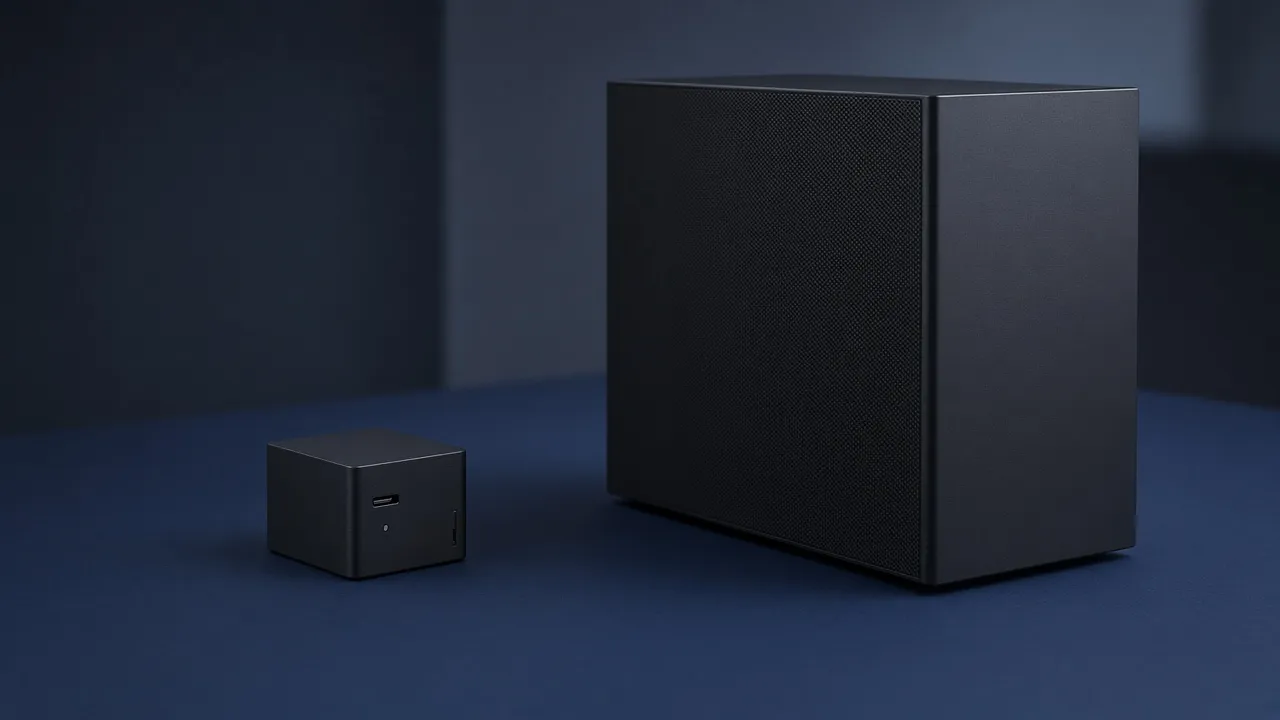
A mini gaming PC is a small computer that still has to draw frames. The shops use one name for two machines. The first is a sealed box, about the size of a thick book or a short console, with the graphics built into the processor or soldered in so you do not swap them. The second is a small desktop case, the kind called Mini-ITX, that can hold a normal graphics card if that card is short enough and the case can breathe.
They look related in a photo. They are not interchangeable. A sealed box that only names the processor’s graphics is an office PC with a gaming word on the lid. A small case with a named card is a normal gaming PC that gave up space. The money still belongs on that card, not on the fact that the box is cute.
Pick the box from the card you need
Small is two different computers. One is a sealed box. One is a short desktop that can still hold a graphics card, if the card fits.
- Box
- A small desktop case
- Graphics
- A named card that fits the length
The same card in a normal case runs cooler and usually quieter. Buy the small case because the desk cannot hold a tower.
The result is which product to shop for, not a model. A tiny finished PC and a small case with a desktop card can both be called mini. Read the graphics line before you read the dimensions.
New games at a frame rate you care about need a named card, the same as in a tower. Raising the frames on a chip that was never a gaming card has a ceiling. If the listing’s only graphics words are the processor’s own graphics, believe that ceiling. Older and lighter games can live there. A new release at 1440p generally will not.
If you want to change the card in two years, do not buy the sealed box. Buy the small case, and only after it prints three numbers: the longest graphics card it accepts, the tallest processor cooler, and the power supply it uses. Many of the smallest cases take a small supply, called SFX, rather than the brick from a tower. A tower supply will not shrink to fit. Some cases also put the card on a short cable, a riser, instead of straight into the board. That cable has a PCIe generation. If the listing hides it, you do not know whether the next card will run at full speed.
Heat is the price of the size
A graphics card turns power into heat. A tower has room for that heat to leave. A small case has less air and shorter paths, so the same card runs warmer and the fans usually get louder. That is not a defect you can review away. It is the shape.
Buy the small case when the desk cannot hold a tower. If you notice fans and you still have room, the normal case is the better computer. Small is not faster, and it is not quieter. The screen still has to sit at eye line either way. A box that fits on a shelf does not fix a monitor that is too low.
A sealed mini PC hides the same trade inside a lid you are not meant to open. Some of them include a real, named mobile graphics chip and play current games at 1080p. Judge that chip the way you would judge a laptop chip: search the model, look at the resolution you play, and ignore the volume of the box. If the page will not name the chip, it is not a gaming PC yet.
An external graphics card in a separate enclosure is a third product. It is a way to hang a desktop card off a small computer with a fast cable. It costs another box, another supply, and a port the little PC must actually have. It is not the default way to make a mini PC into a tower.
What the listing has to say
Ignore the word mini until the page states these:
- Which of the two products it is. A sealed computer, or a case you can build in.
- The graphics model, searchable. “Gaming graphics” is not a model. Neither is a picture of a small cube.
- For a case: maximum card length, maximum cooler height, and SFX or a full-size power supply. If a riser cable is how the card connects, which PCIe generation it is.
- For a sealed PC: that you cannot replace the graphics, written in whatever polite way they choose. If they claim you can, the length number has to exist.
- Air path. A mesh side or a real vent. A closed plastic brick will heat-soak a card that a tower would tolerate.
- The return window. The first hour of a loud, hot game is the test. A small PC that throttles until the frame time falls apart is a return, not a quirk of the desk.
Memory and the SSD follow the same rules as any other budget PC. 16 GB for the game, 32 GB if chat and a browser stay open. Games on an SSD. The small box does not change those.
If the tower you have is only unpopular because it is ugly, leave it. Spend the money on the card, or on nothing. Buy a mini gaming PC when the footprint is the actual constraint, and buy the kind whose graphics you can name before you pay.
Common questions
What is a mini gaming PC?
Two products share the name. One is a sealed little box, often with the graphics built into the processor. The other is a small desktop case, usually Mini-ITX, that can hold a normal graphics card if the case prints a length that card fits. They are not the same computer.
Can a mini PC play new games?
A sealed box plays new games only as well as the named graphics chip inside it. Integrated graphics can run older and lighter games. A new game at a high frame rate wants a named desktop card in a case that can cool it. Small does not add frames.
Should I buy a mini PC or a Mini-ITX build?
Buy the sealed mini PC if you will never change the graphics and the games are light, or the listing names a chip you have already checked. Buy a Mini-ITX case if you want a desktop card you can replace. The case page has to list the longest card, the tallest cooler, and the power supply size.
Can I upgrade the graphics card in a mini gaming PC?
In a sealed mini PC, usually no. The chip is part of the box. In a small desktop case, yes, when the next card is no longer than the length the case allows and the power supply can feed it. If the listing never prints that length, assume you cannot.
Are mini gaming PCs louder?
The same card in less air runs warmer, so the fans spin harder. If you notice fan noise and the desk can hold a normal case, buy the normal case. Buy small because you are out of room, not because small is faster.
What should a mini gaming PC listing say?
The graphics chip or card as a model you can search, the longest card the case accepts if you can open it, the cooler height, and whether the power supply is a small SFX unit or a normal one. A photo of a tiny box with the word gaming is not those numbers.
Keep reading
Hardware
When a 4K gaming monitor is worth it
A 4K gaming monitor is worth it when the PC already holds its refresh rate and the desk fits about 32 inches. Competitive games usually belong at 1440p.
October 19, 2026 · 5 min read
Hardware
Where a budget gaming PC should spend its money
A budget gaming PC should spend most of its money on a named graphics card for the resolution you play. A glass case and a huge processor do not add frames.
October 19, 2026 · 4 min read
Hardware
What the best gaming keyboard actually is
The best gaming keyboard is the layout your desk can hold and the switch your fingers accept. A 2026 chart names whatever is in stock. Extra money buys one feature you can point to.
October 19, 2026 · 4 min read